iTunes
Apple's digital music store for purchasing and owning music.
iTunes Charts (Top Songs and Top Albums by country/region)
Billboard Global: Billboard Global 200 and Billboard Global Excl. U.S.
National charts that incorporate digital download sales, including Billboard U.S., Billboard Japan, Billboard Korea, Oricon, ARIA, UK Official Charts, and others
Apple's digital music store for purchasing and owning music.
Apple's music streaming service. On Windows, Apple has moved music purchasing into the Apple Music app, where you can access the iTunes Store to buy music as well as stream with a subscription.
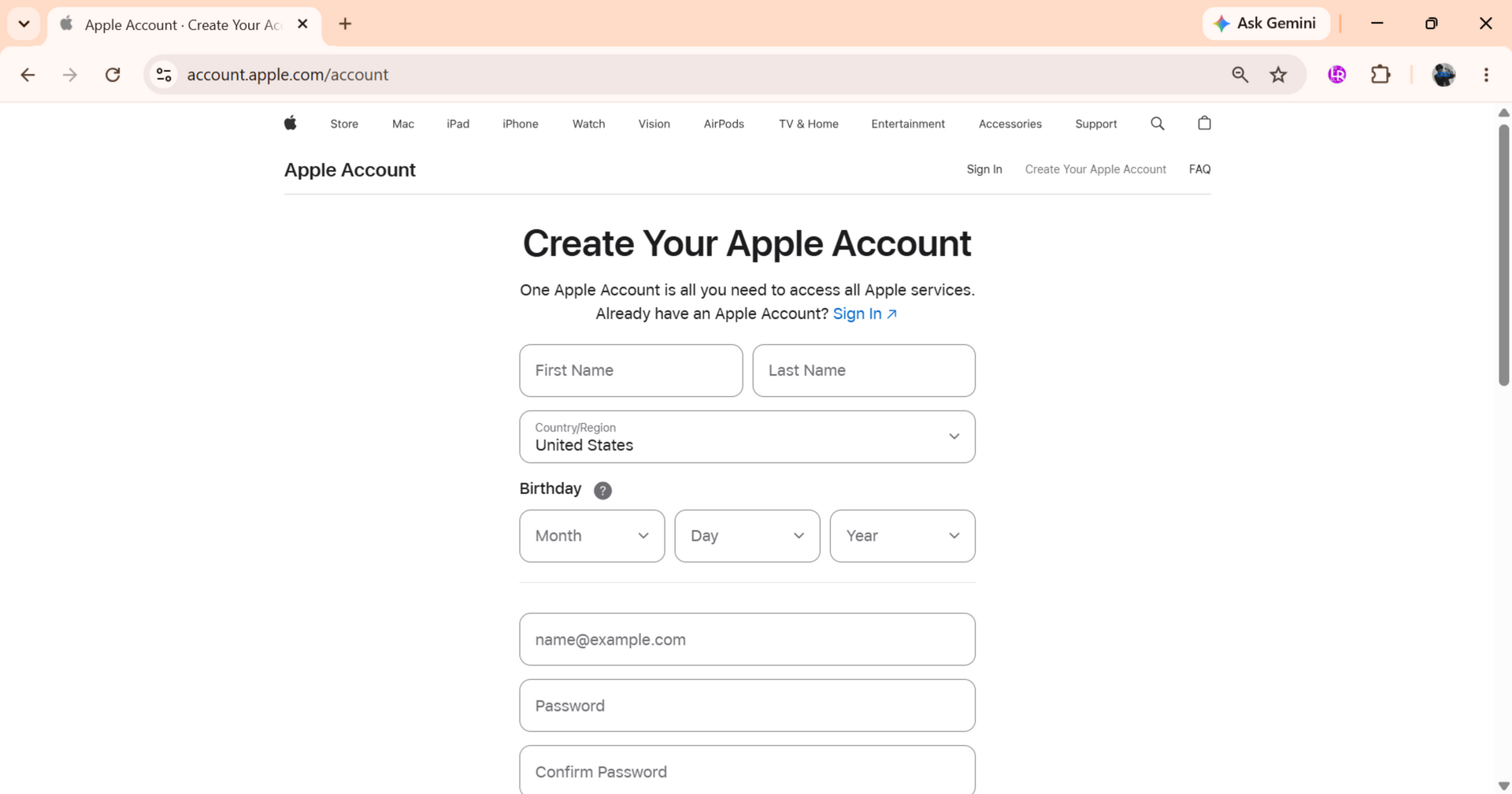
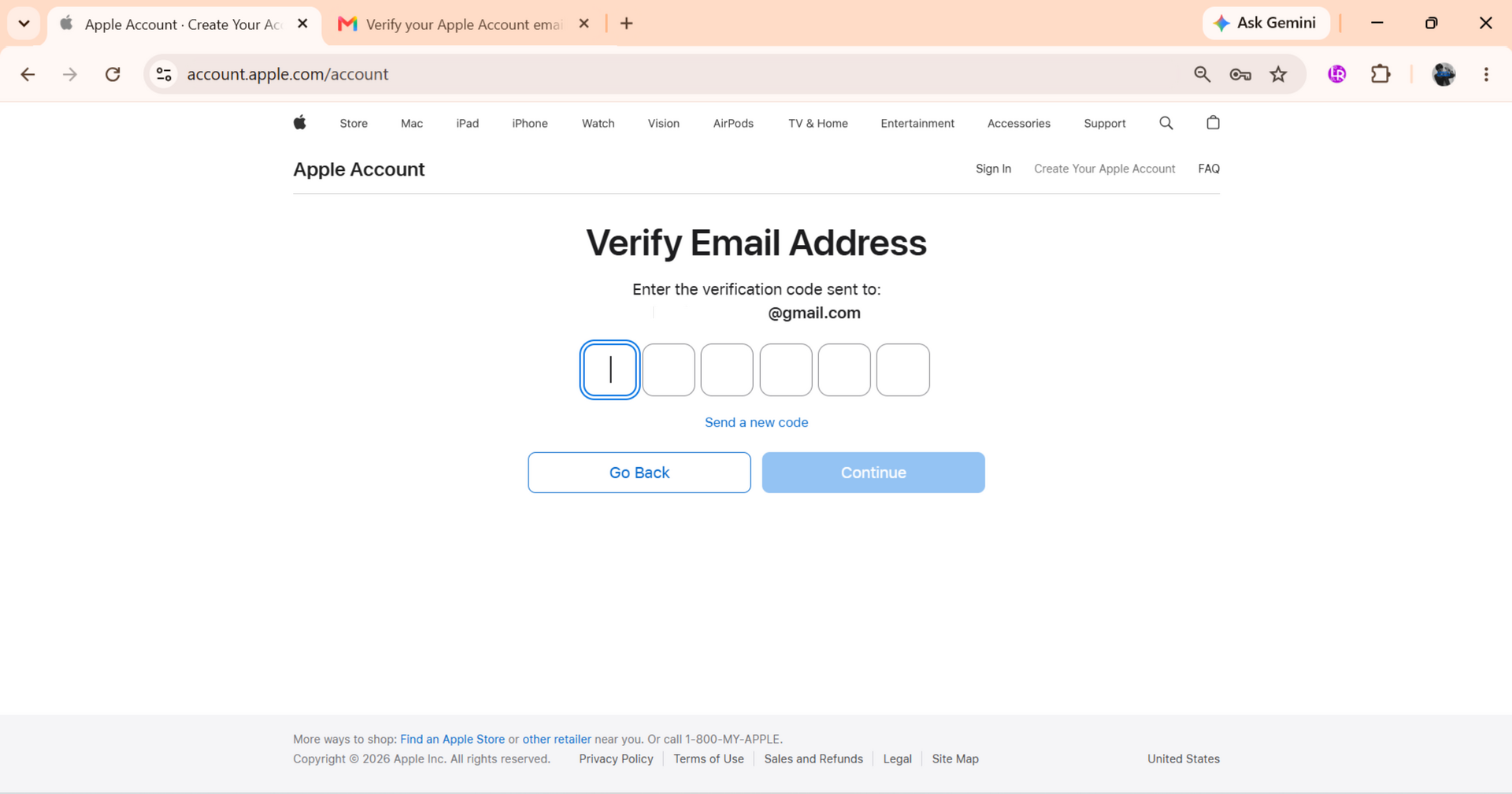
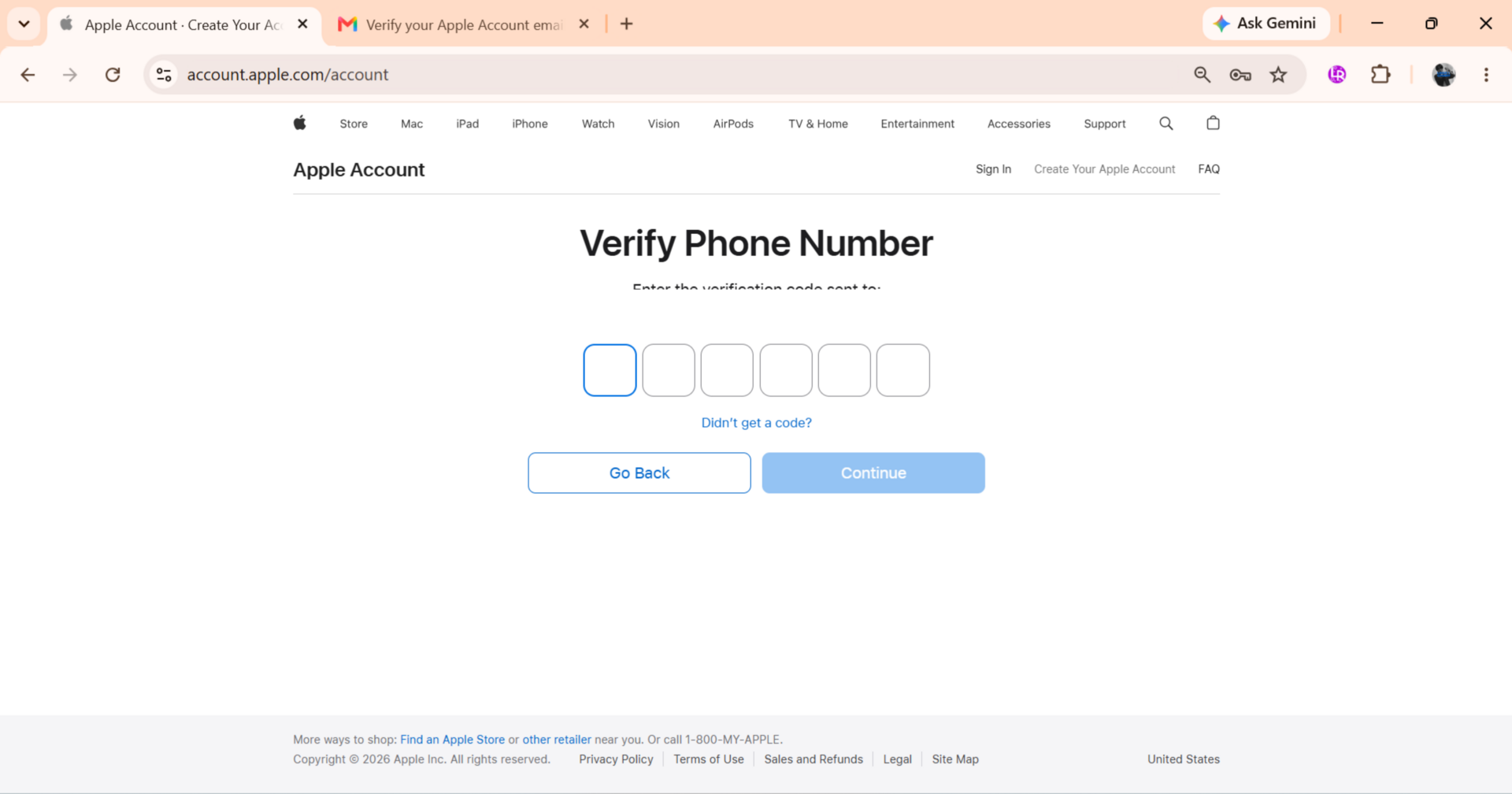
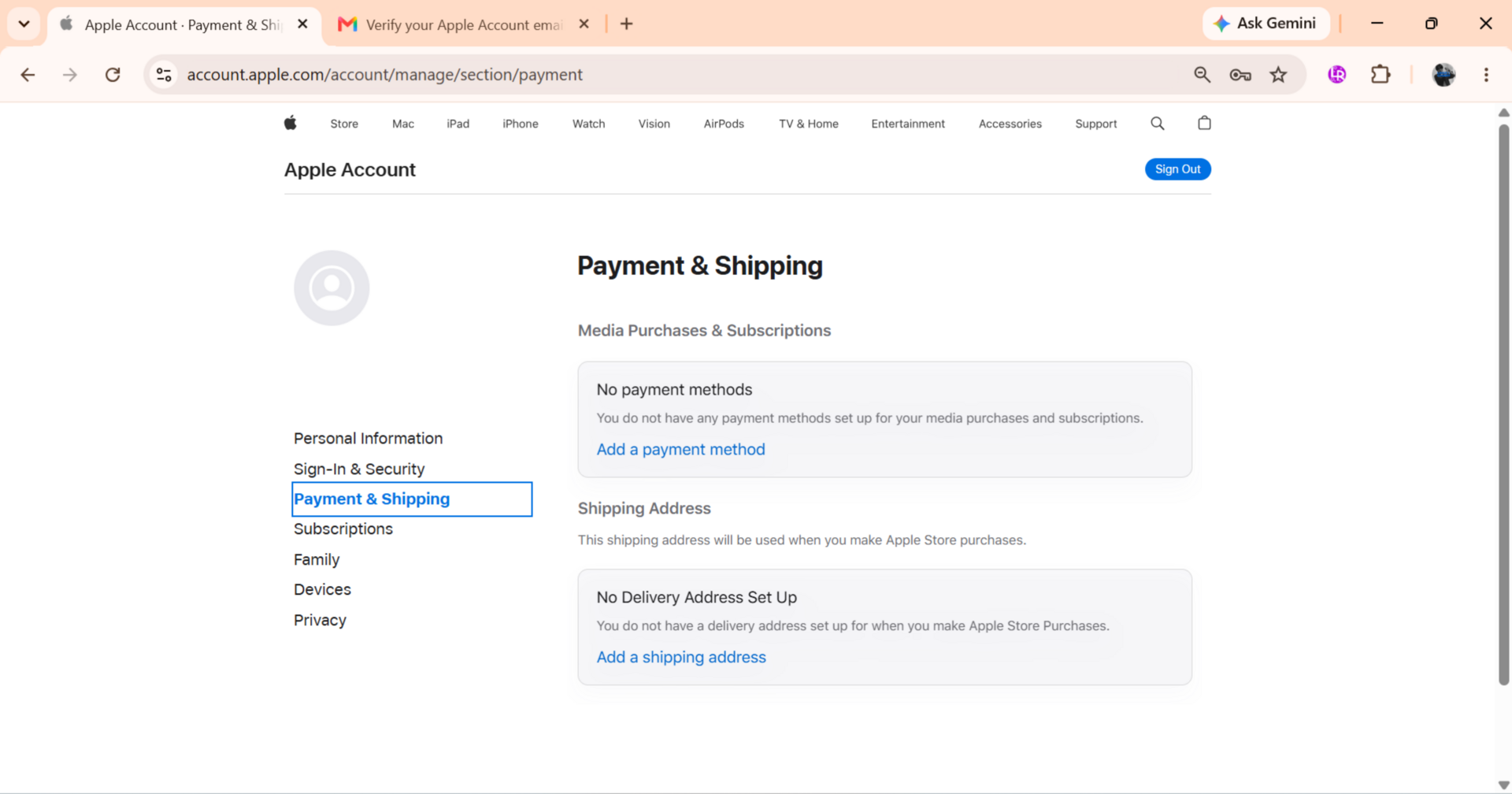
NoteThe Apple Account website may only show debit or credit cards. Complete your Apple Account setup in the iTunes Store or Apple Music app to access additional payment methods where supported.
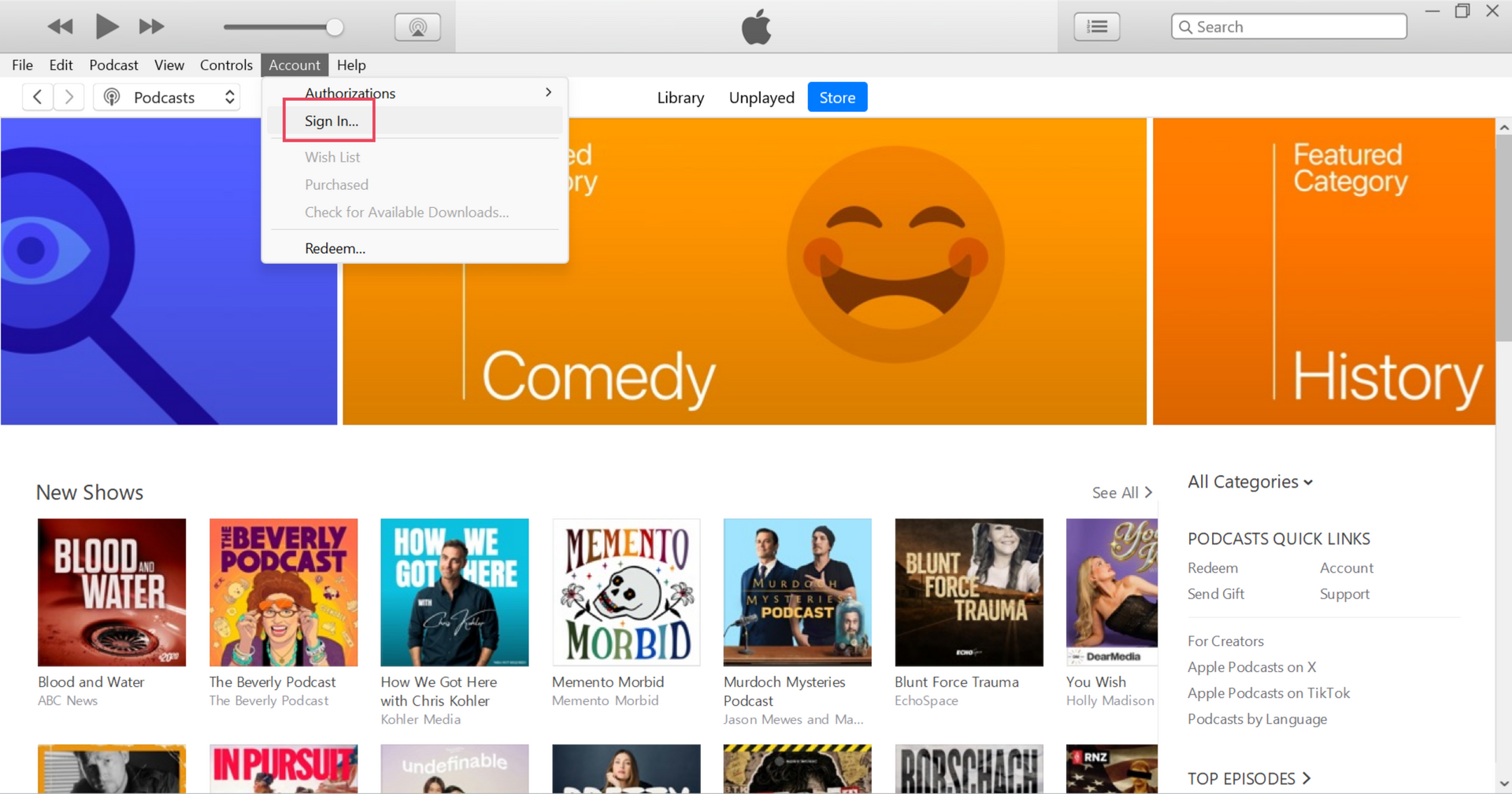
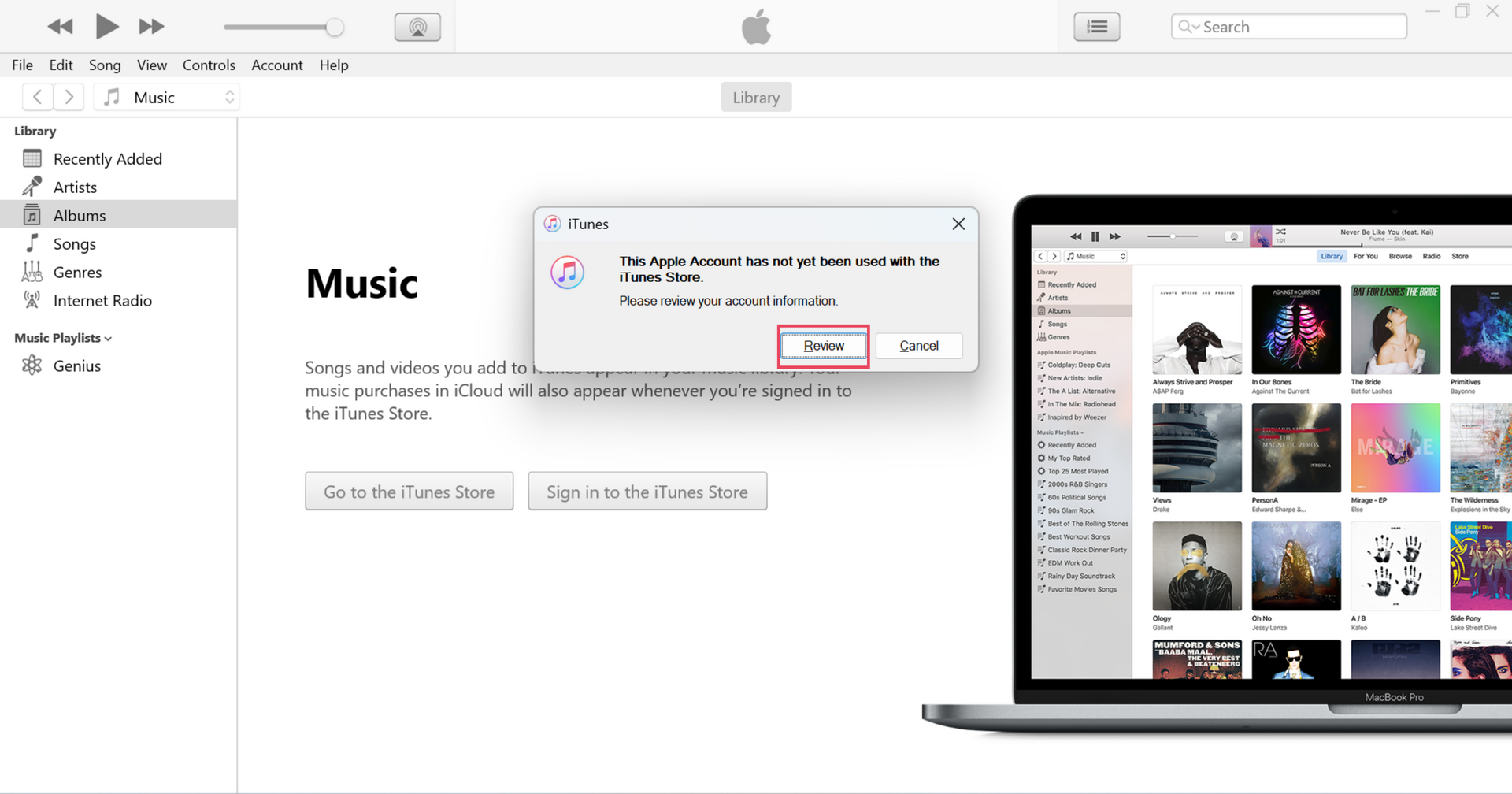
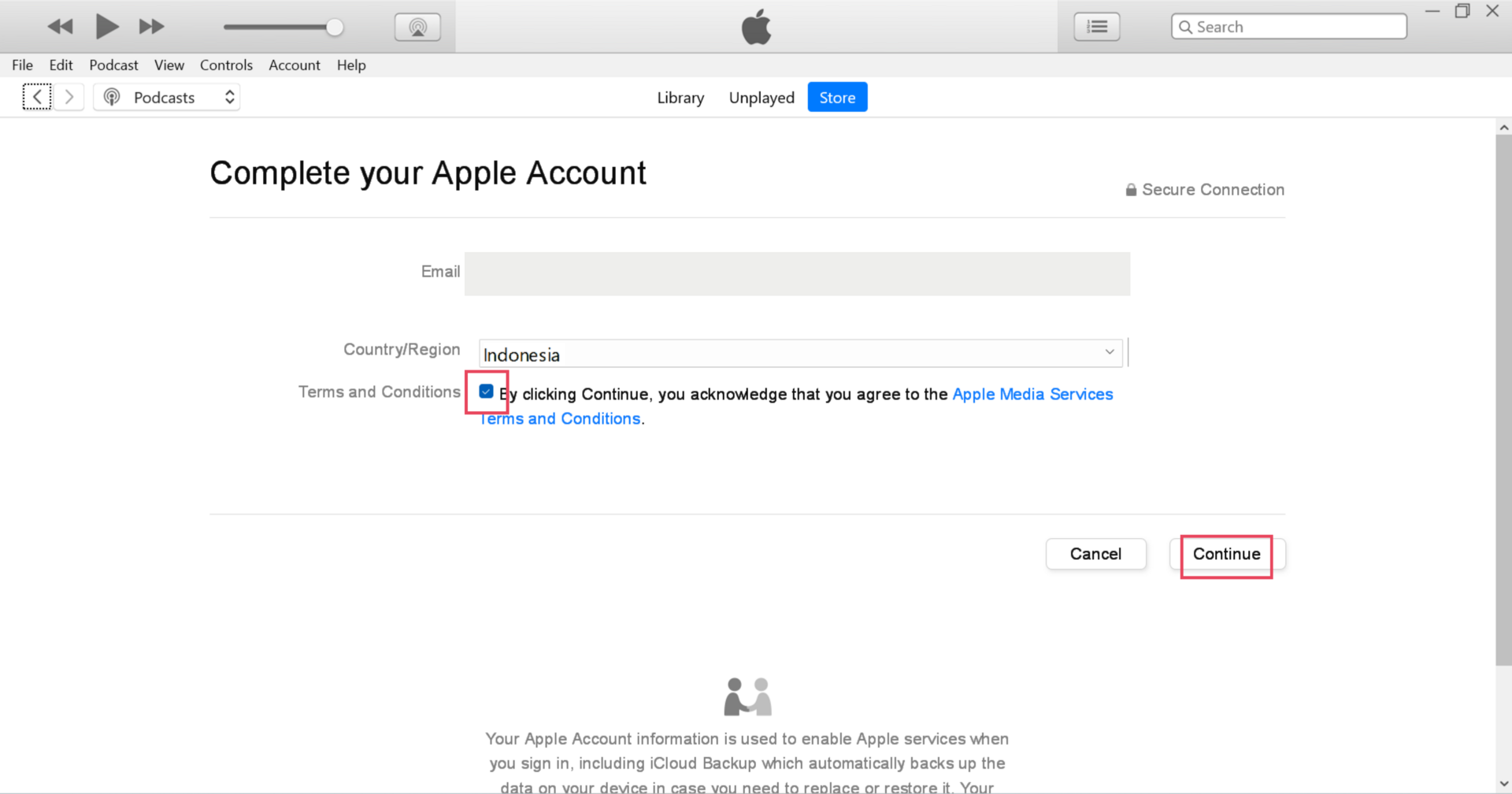
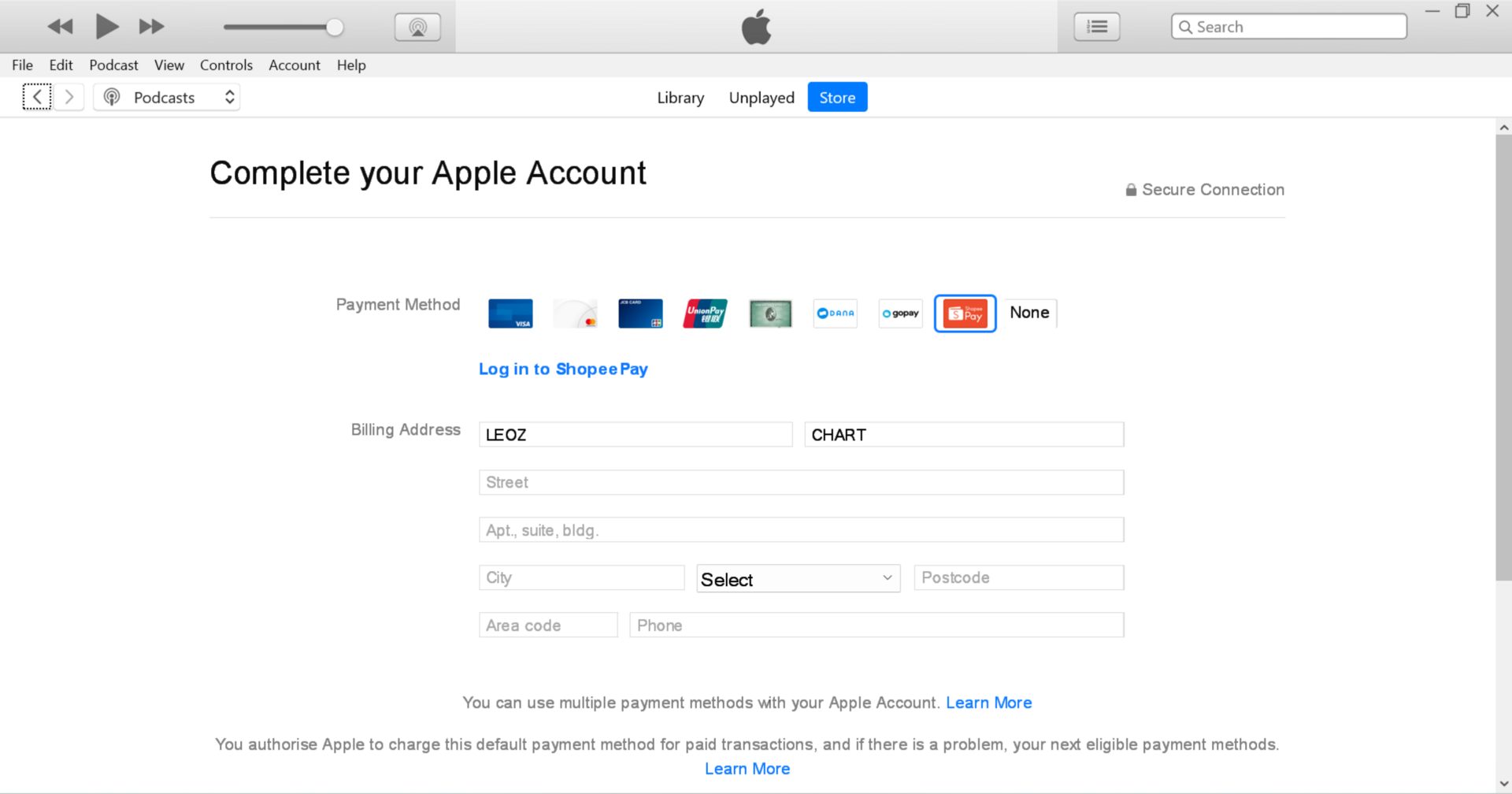
Your Apple Account is now ready to purchase music from the iTunes Store or Apple Music.
NoteYou can use the same phone number and billing information for multiple Apple accounts.
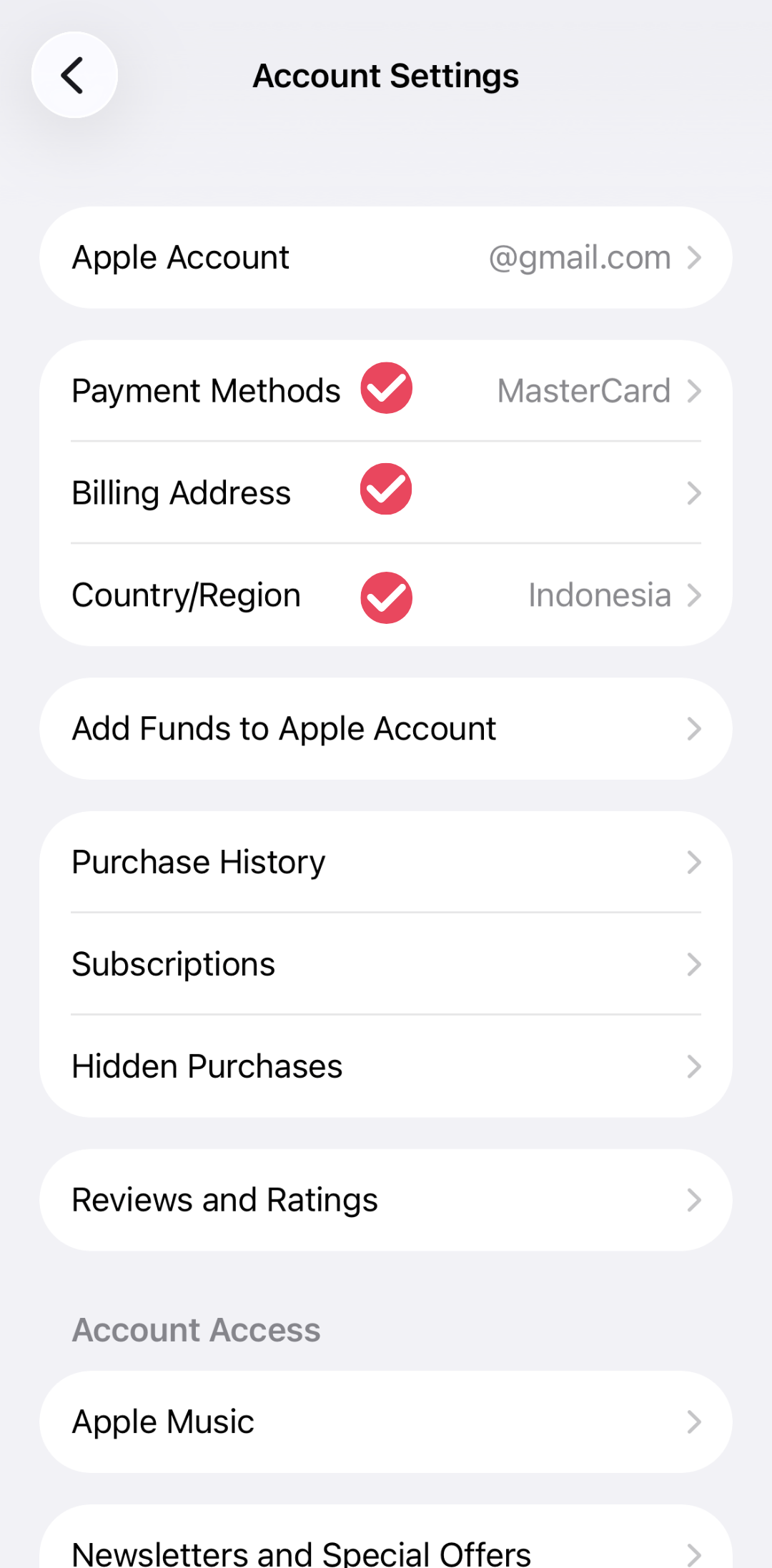
Your Apple Account determines which country’s iTunes Store you can access. Song availability, pricing, currency, and supported payment methods vary by country/region.
Purchases contribute to the iTunes Top Songs chart for your Apple Account’s country/region and eligible global sales charts.
Apple supports various payment methods depending on the country/region, including debit cards, digital wallets, Apple Account balance, carrier billing, and other local electronic payment options.
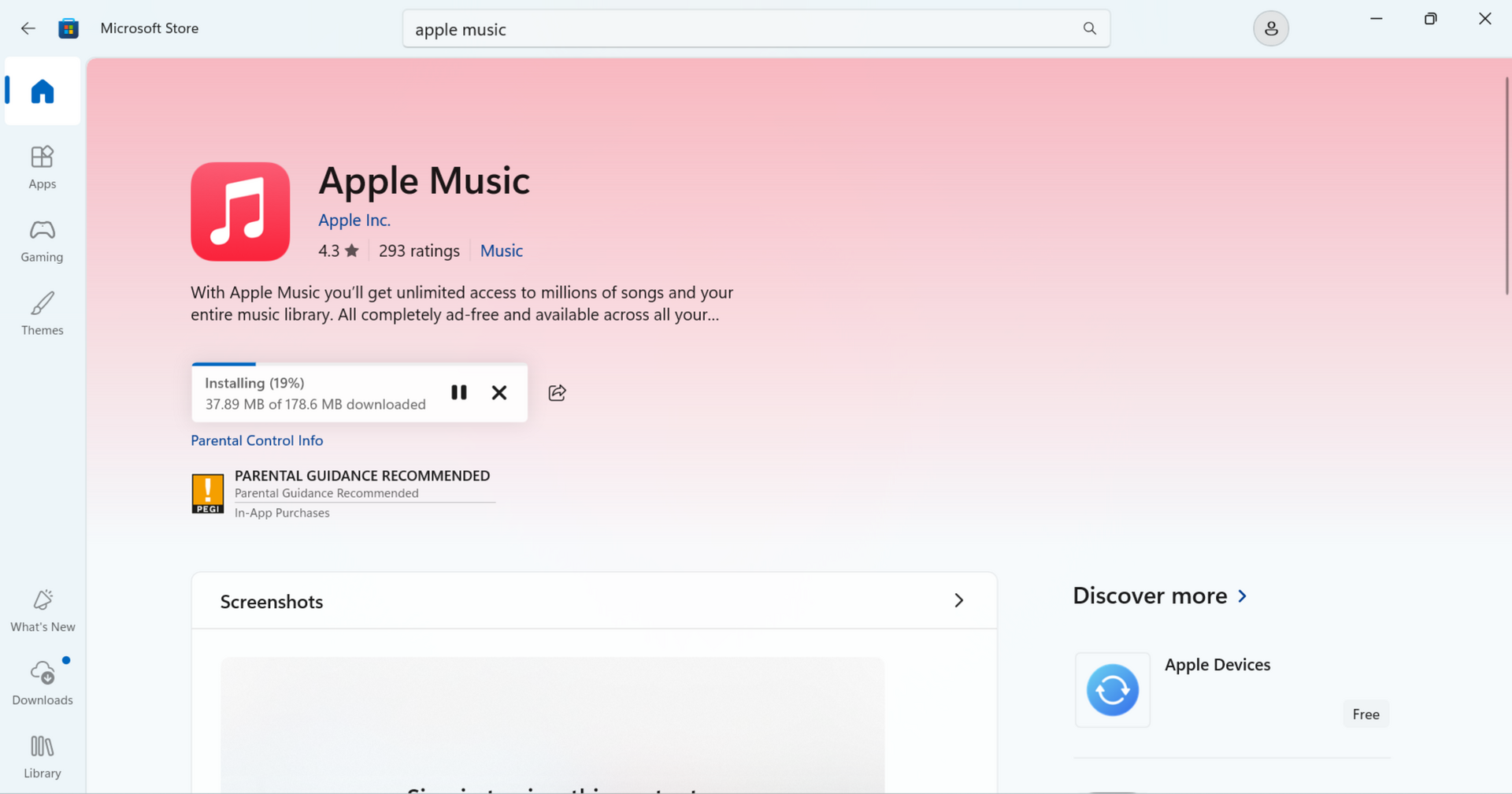
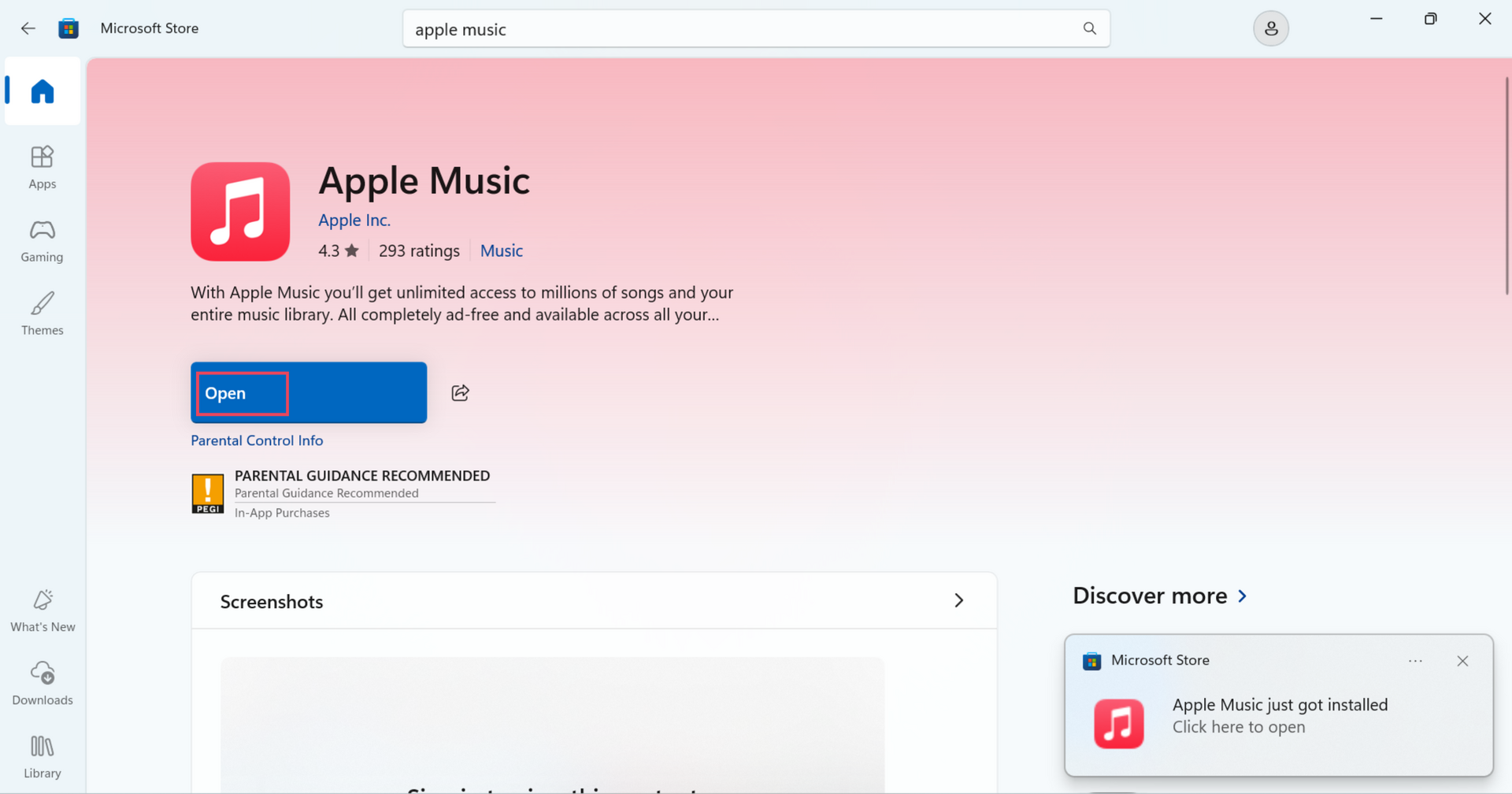
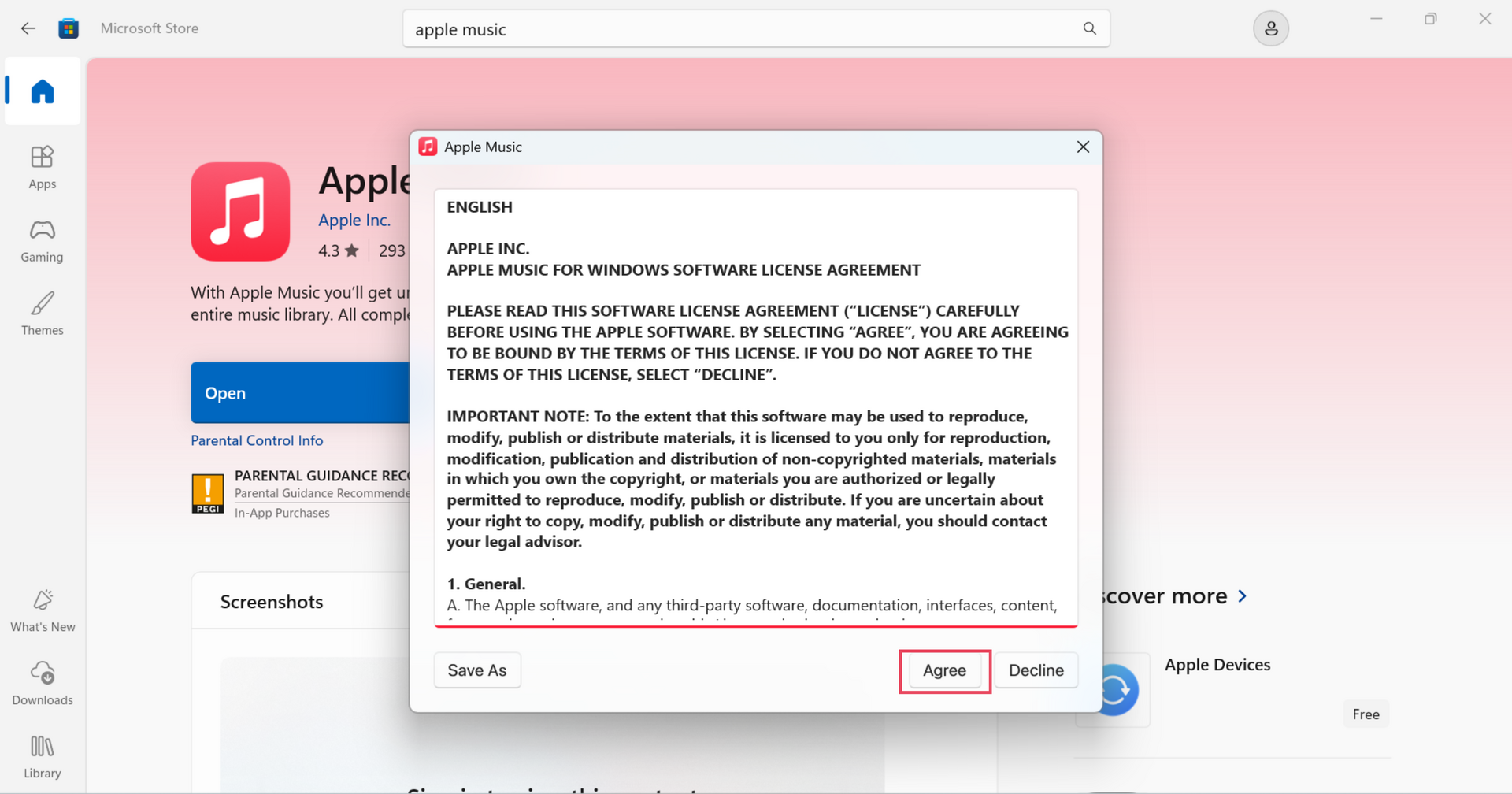
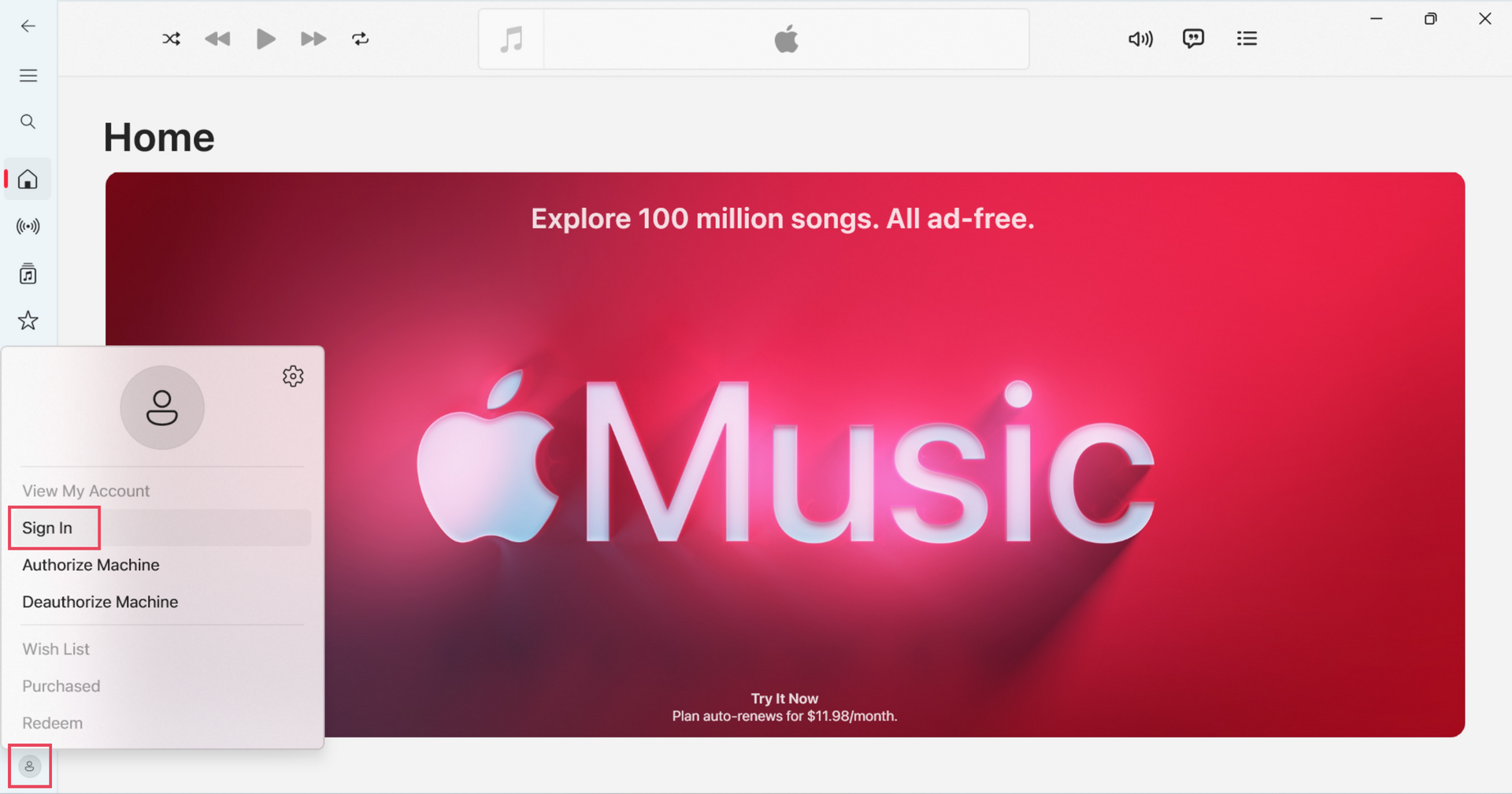
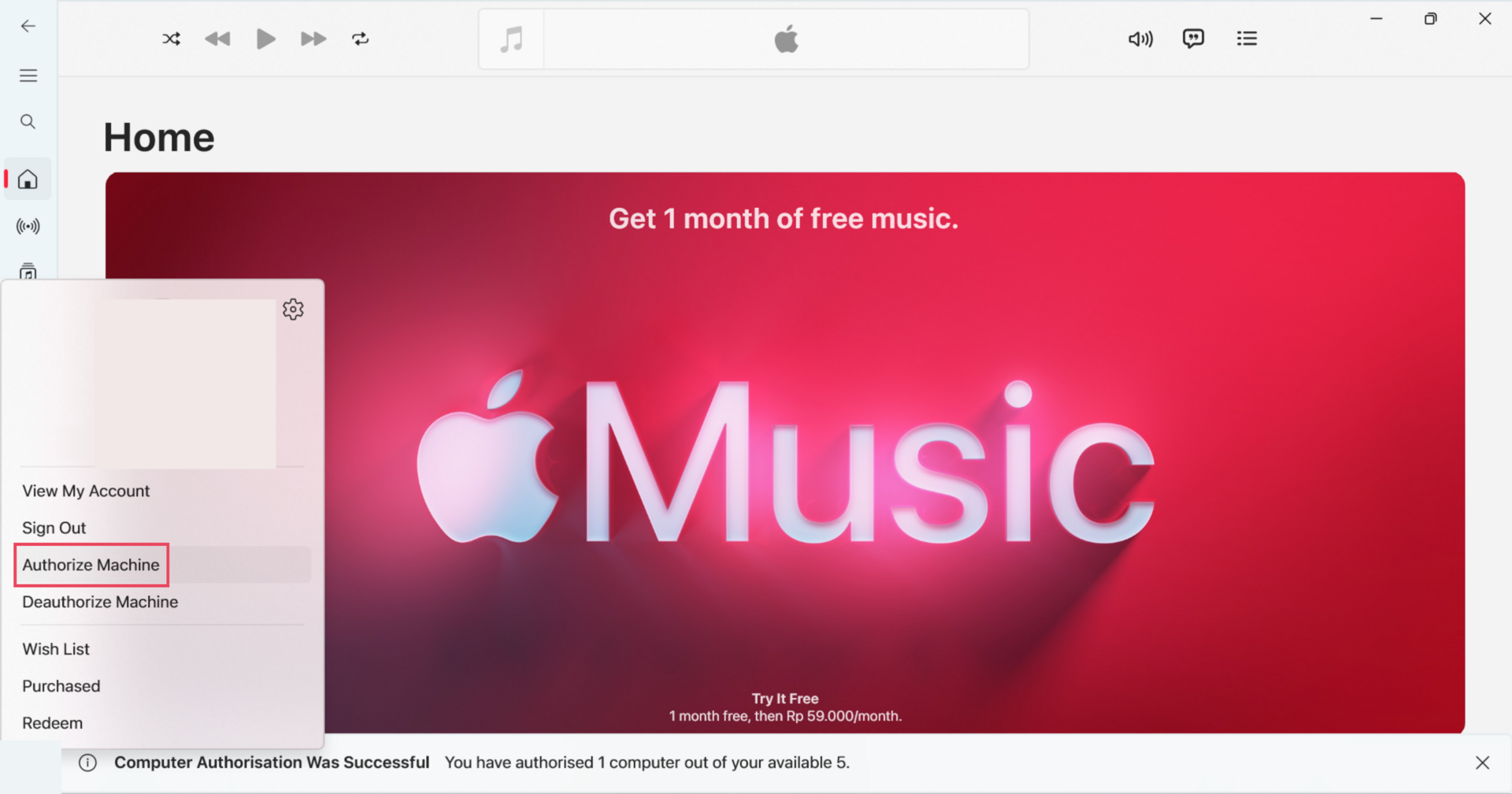
NoteApple Music for Windows requires Windows 10 version 19045.0 or later, or Windows 11. If Apple Music has trouble launching on your Windows system, you can optionally try Cloudflare WARP to secure the device's internet traffic. Download Cloudflare WARP
The iTunes Store may not be visible by default.
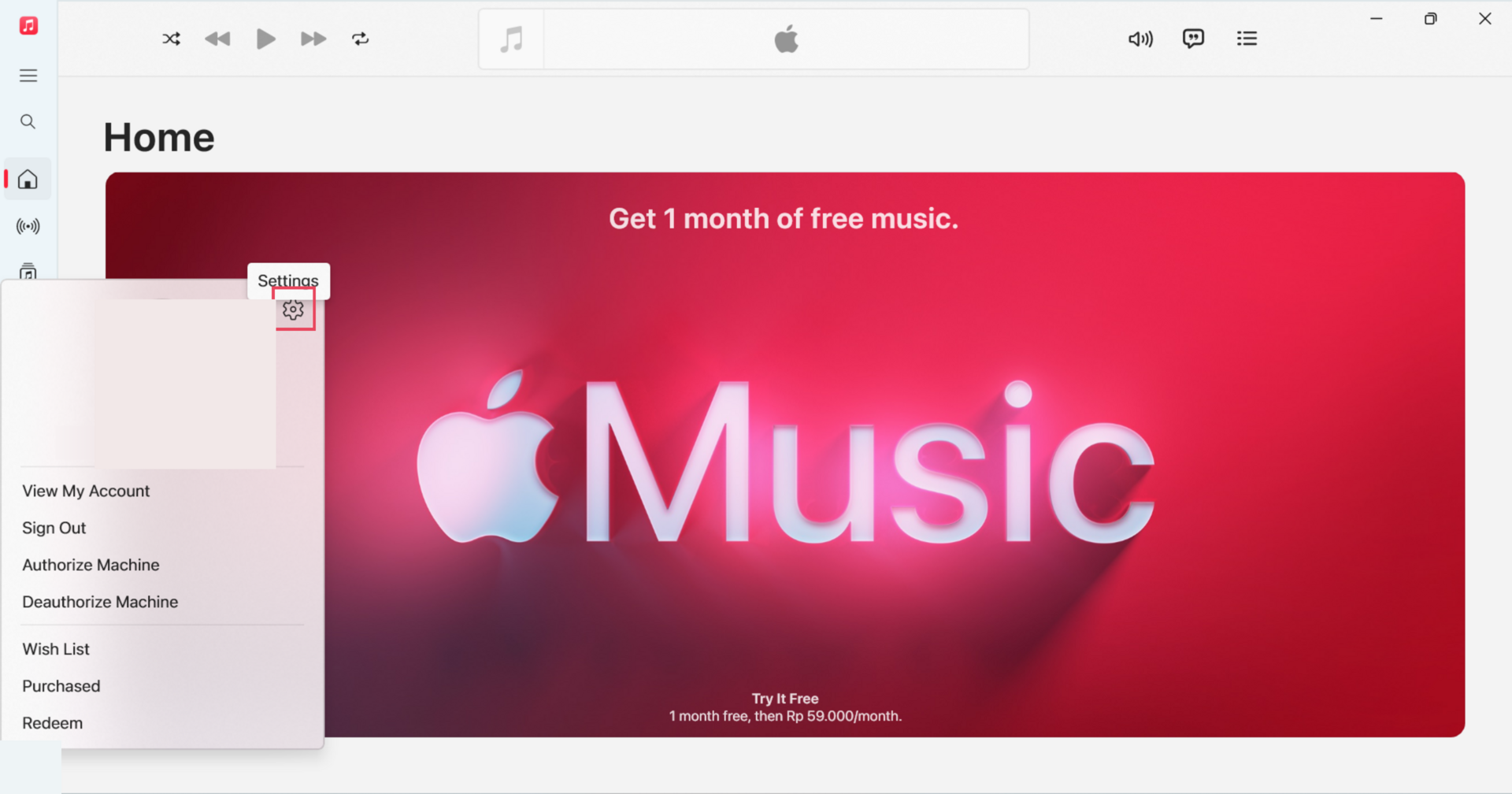
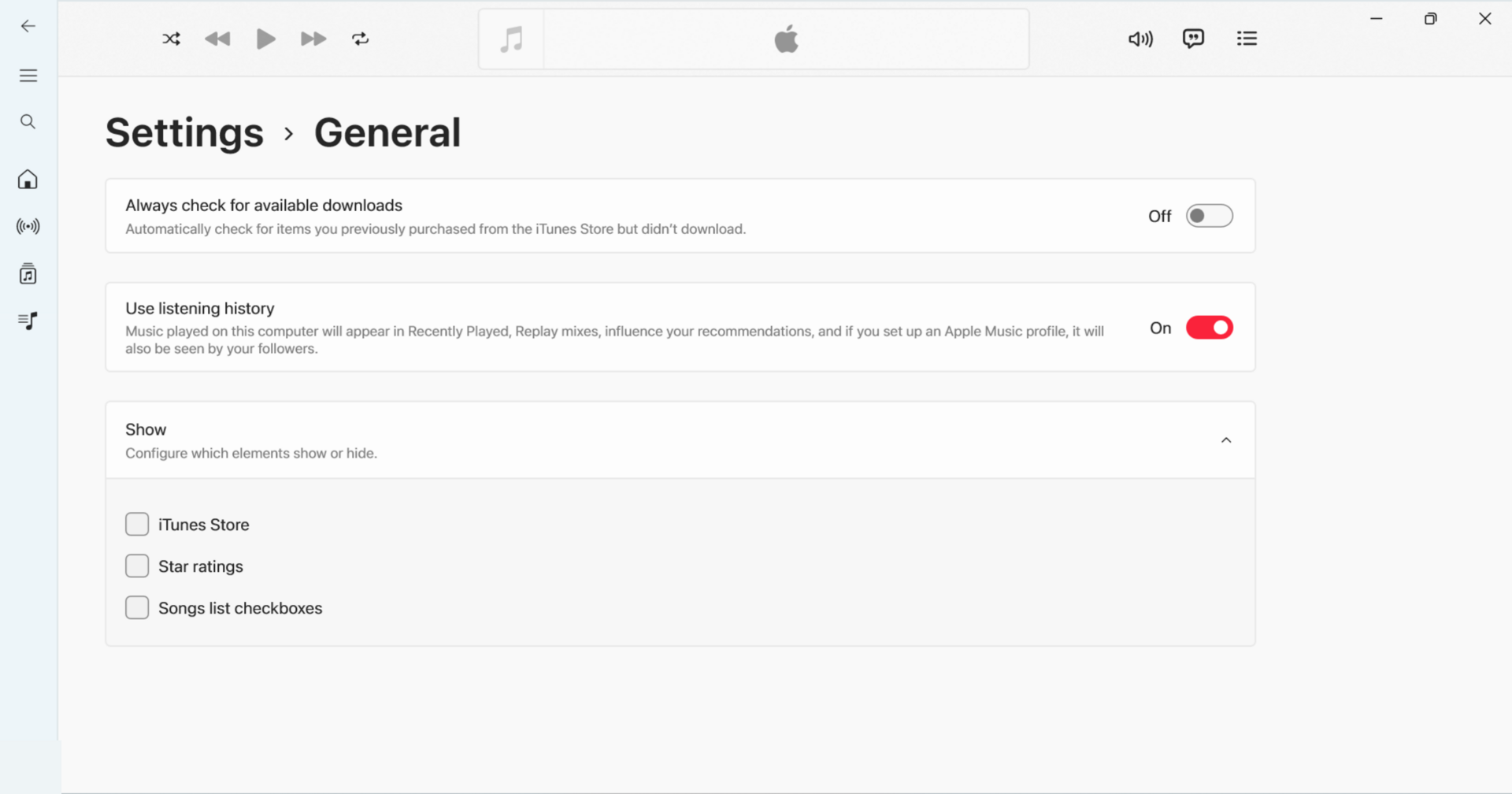
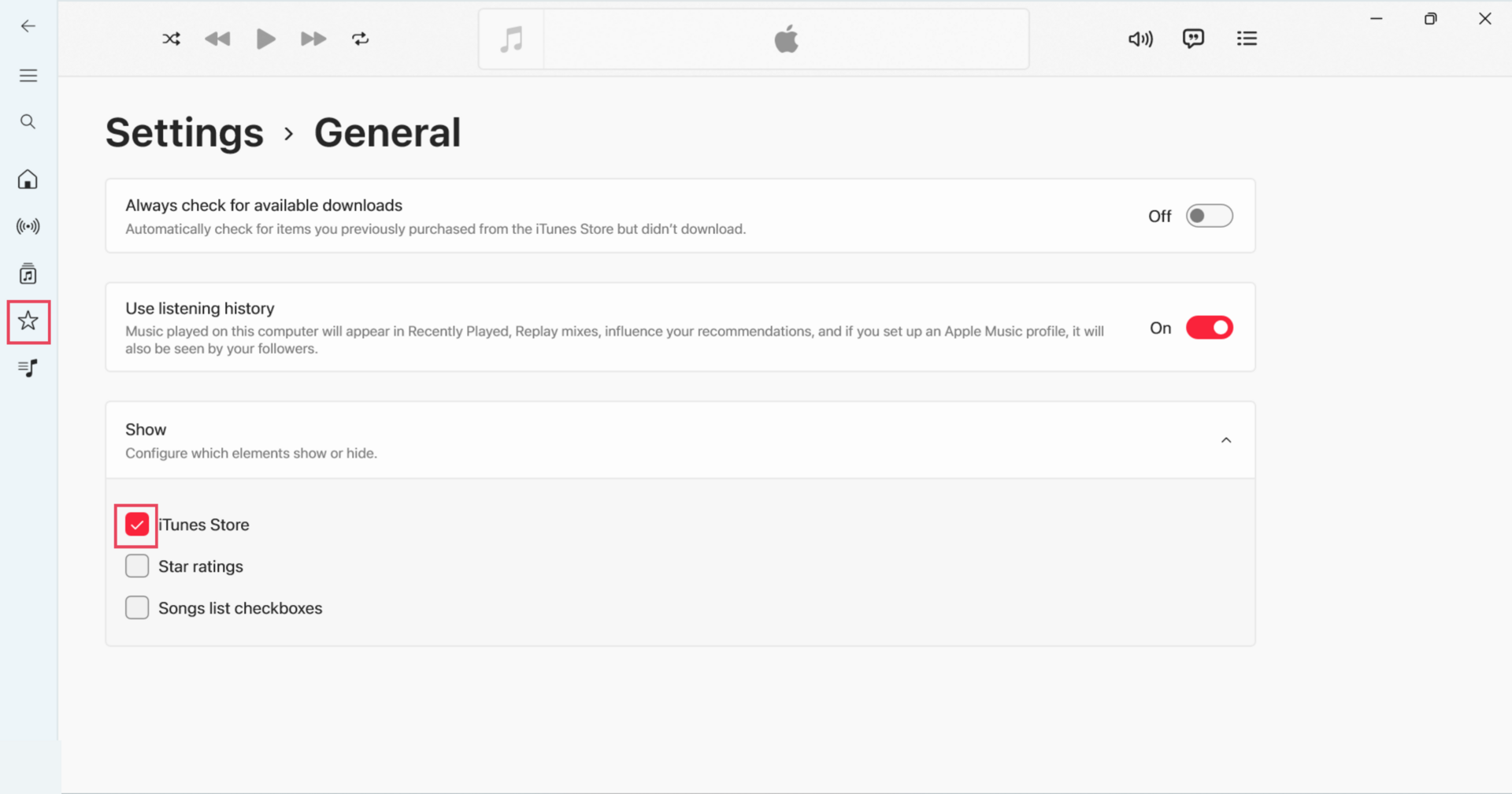
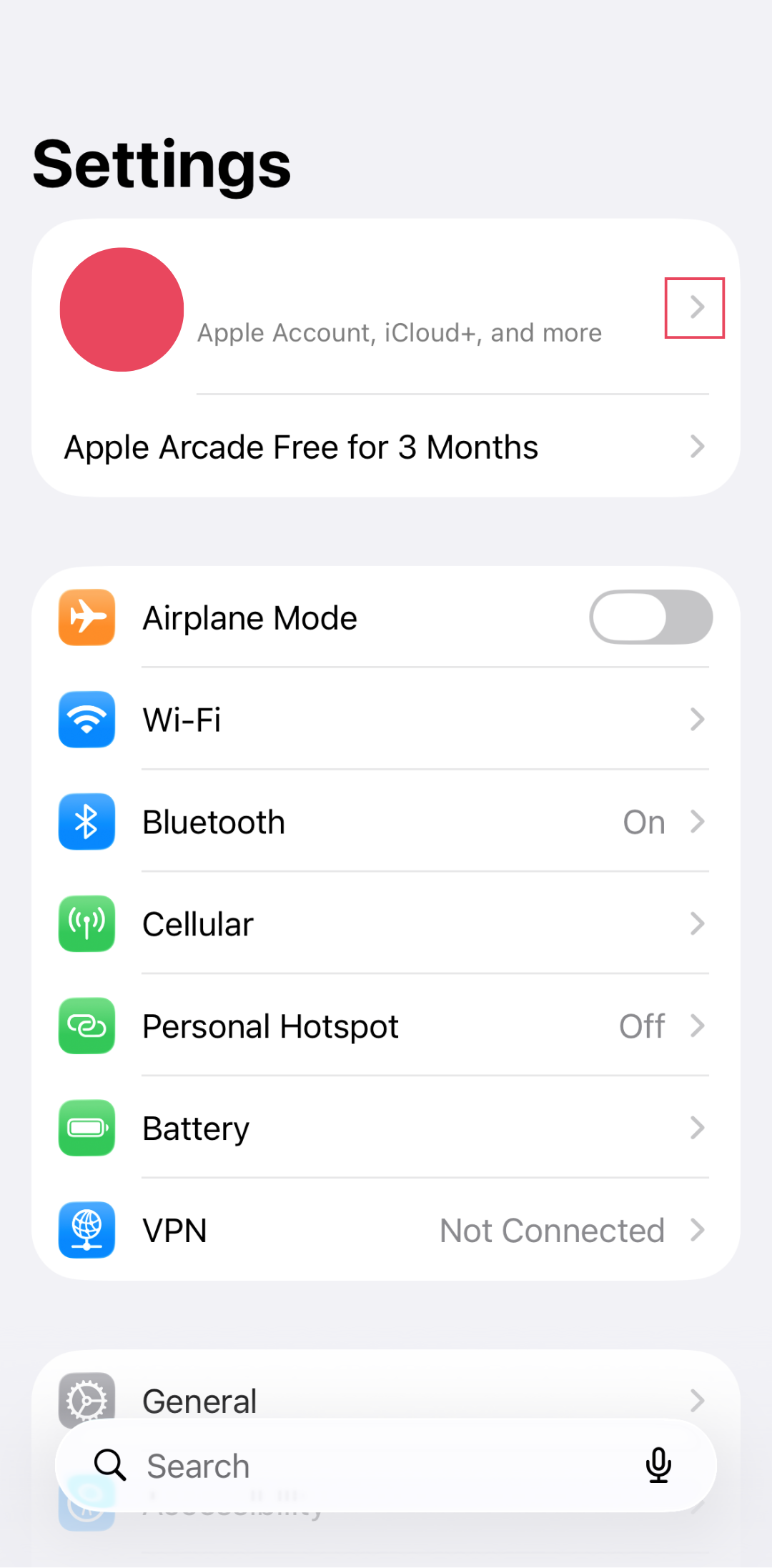
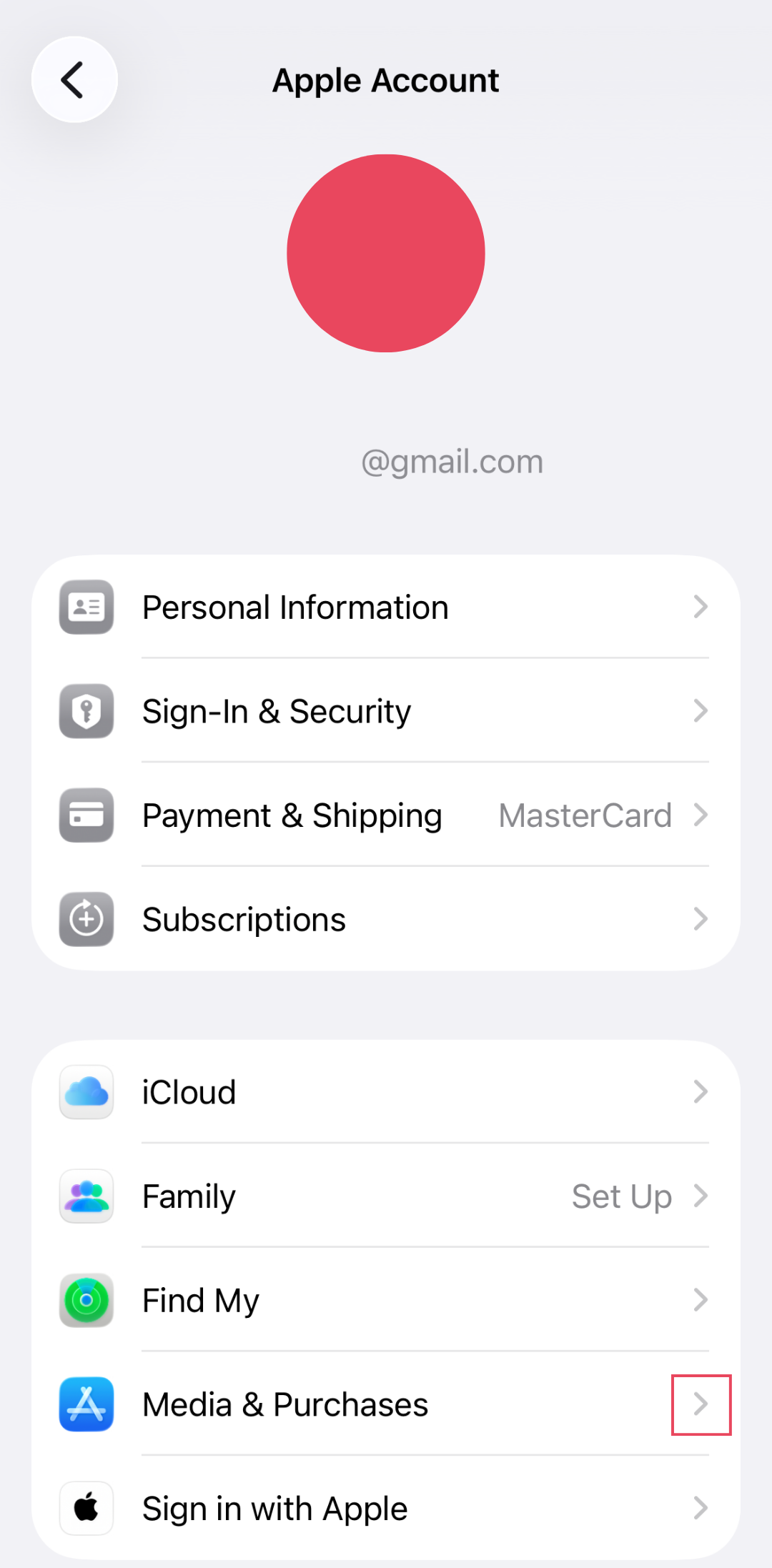
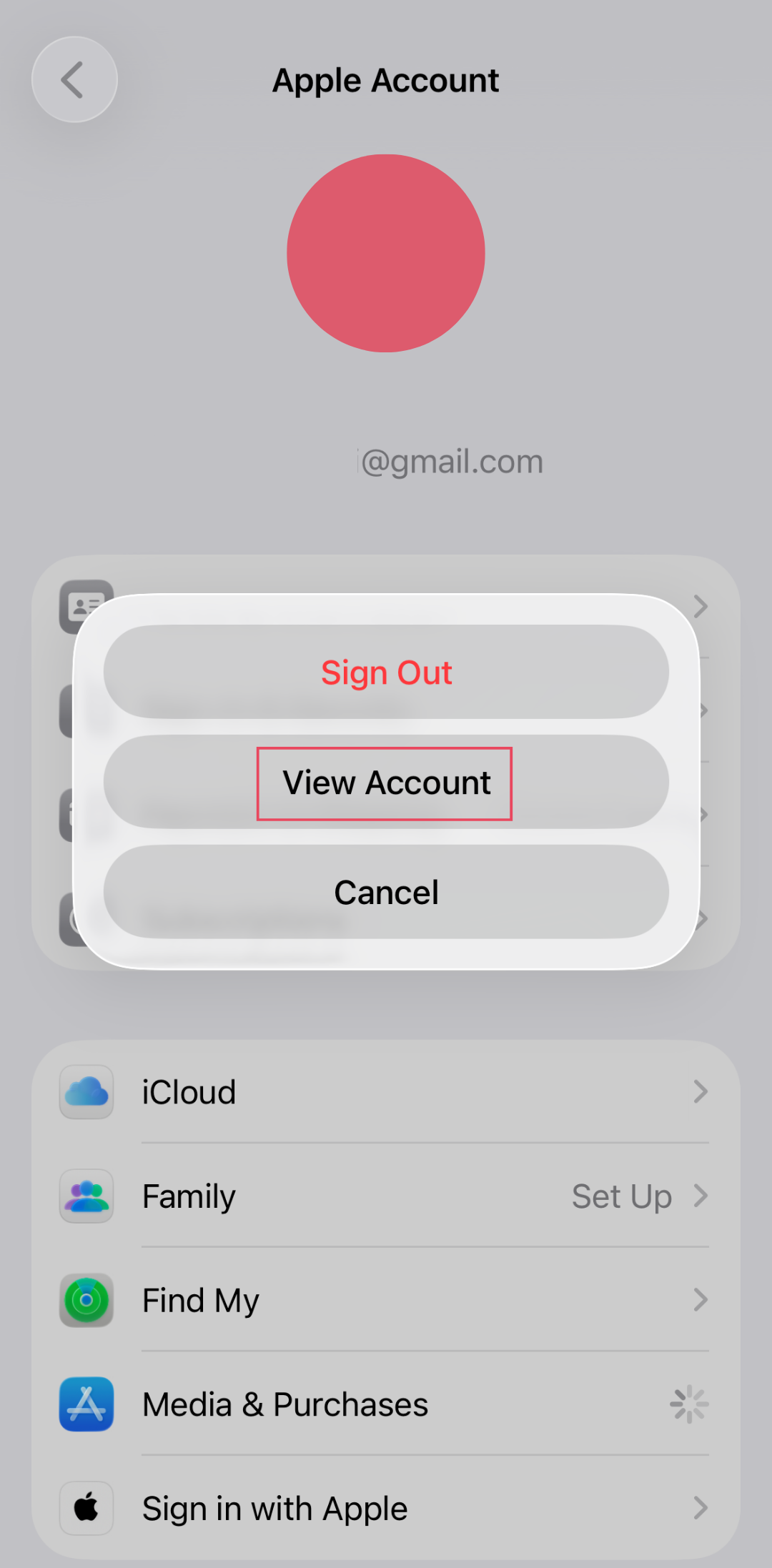
iOS users already have an Apple Account and the necessary apps. Simply verify your account information and billing details before making a purchase.
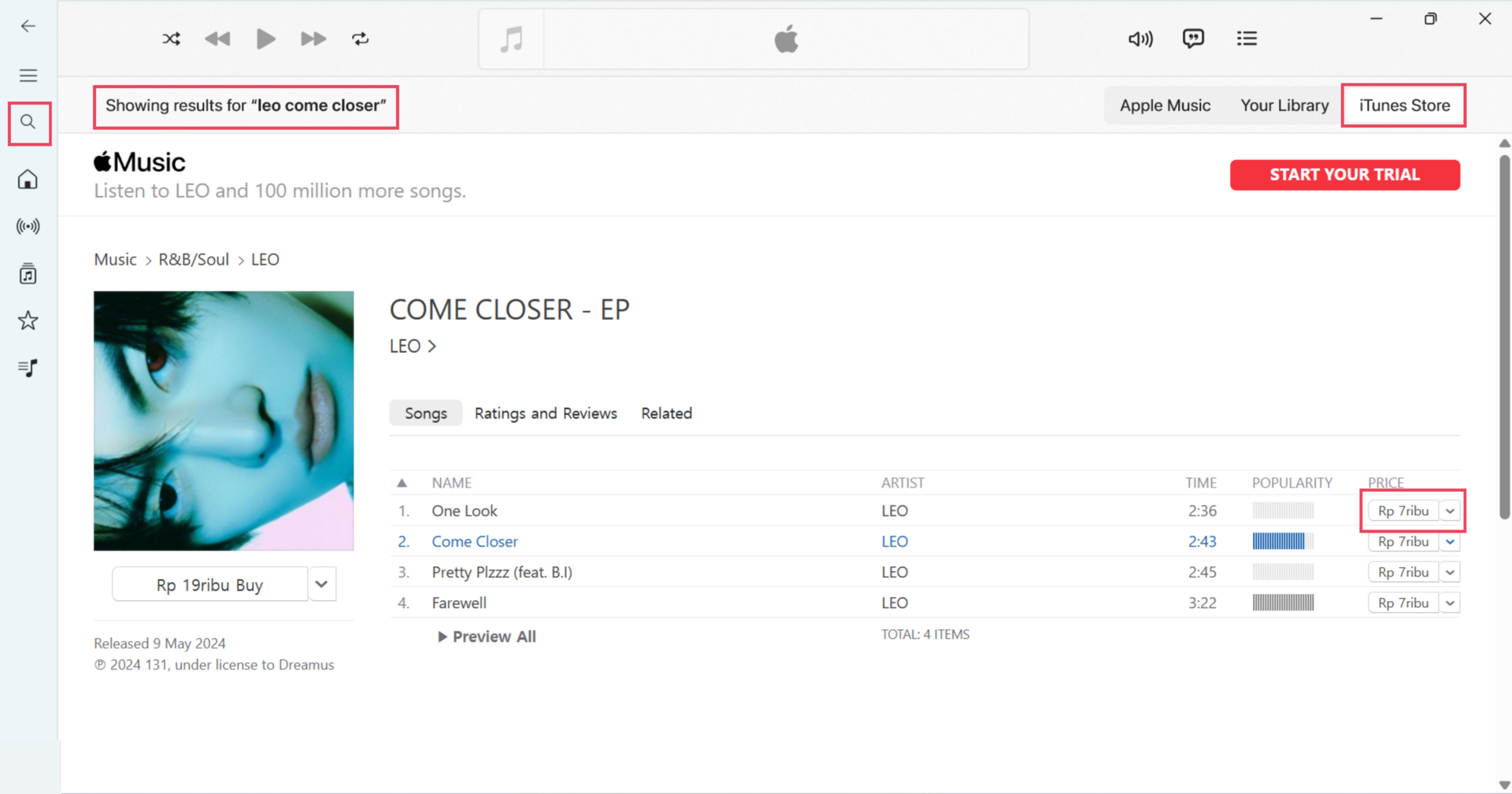
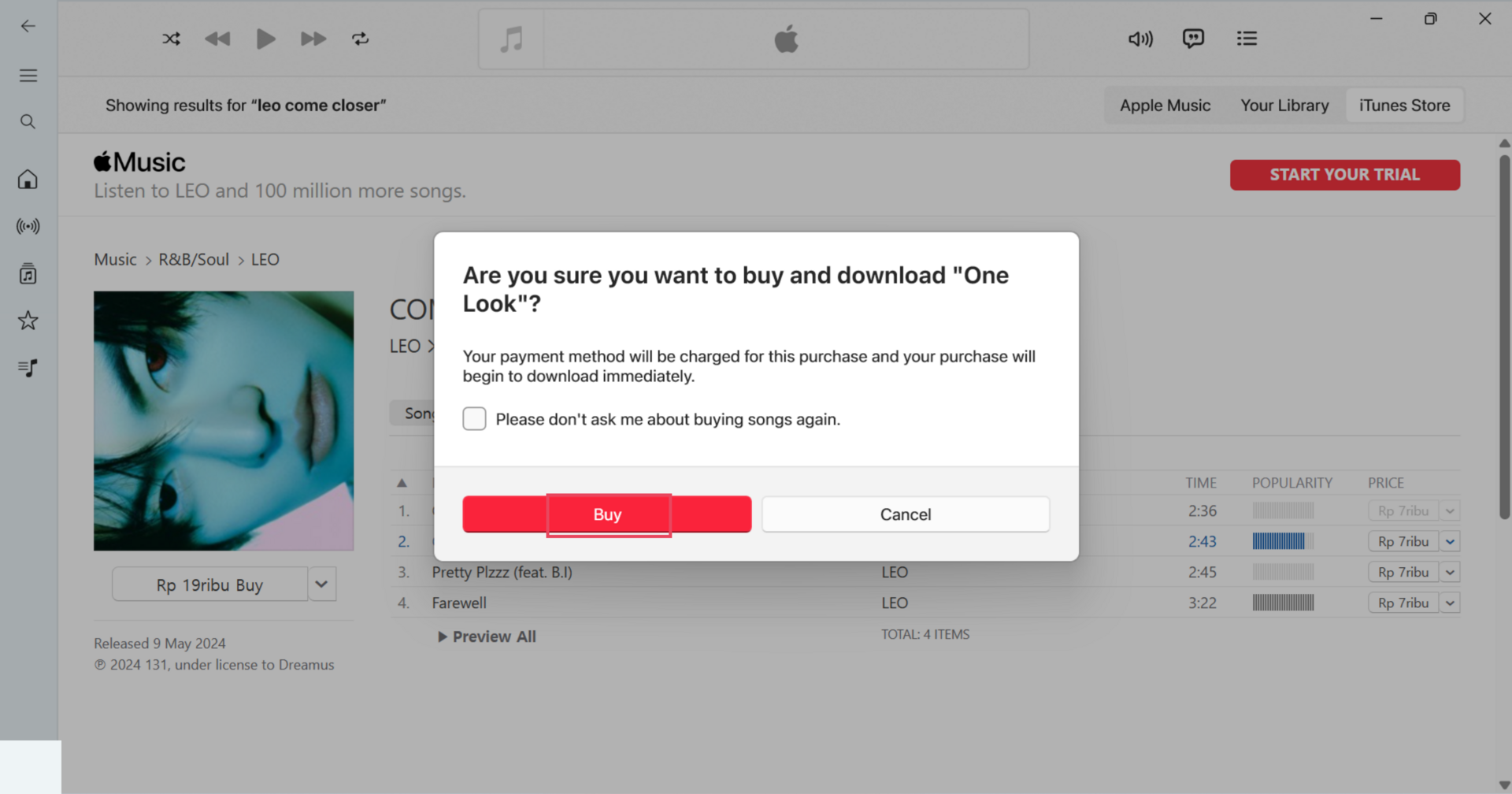
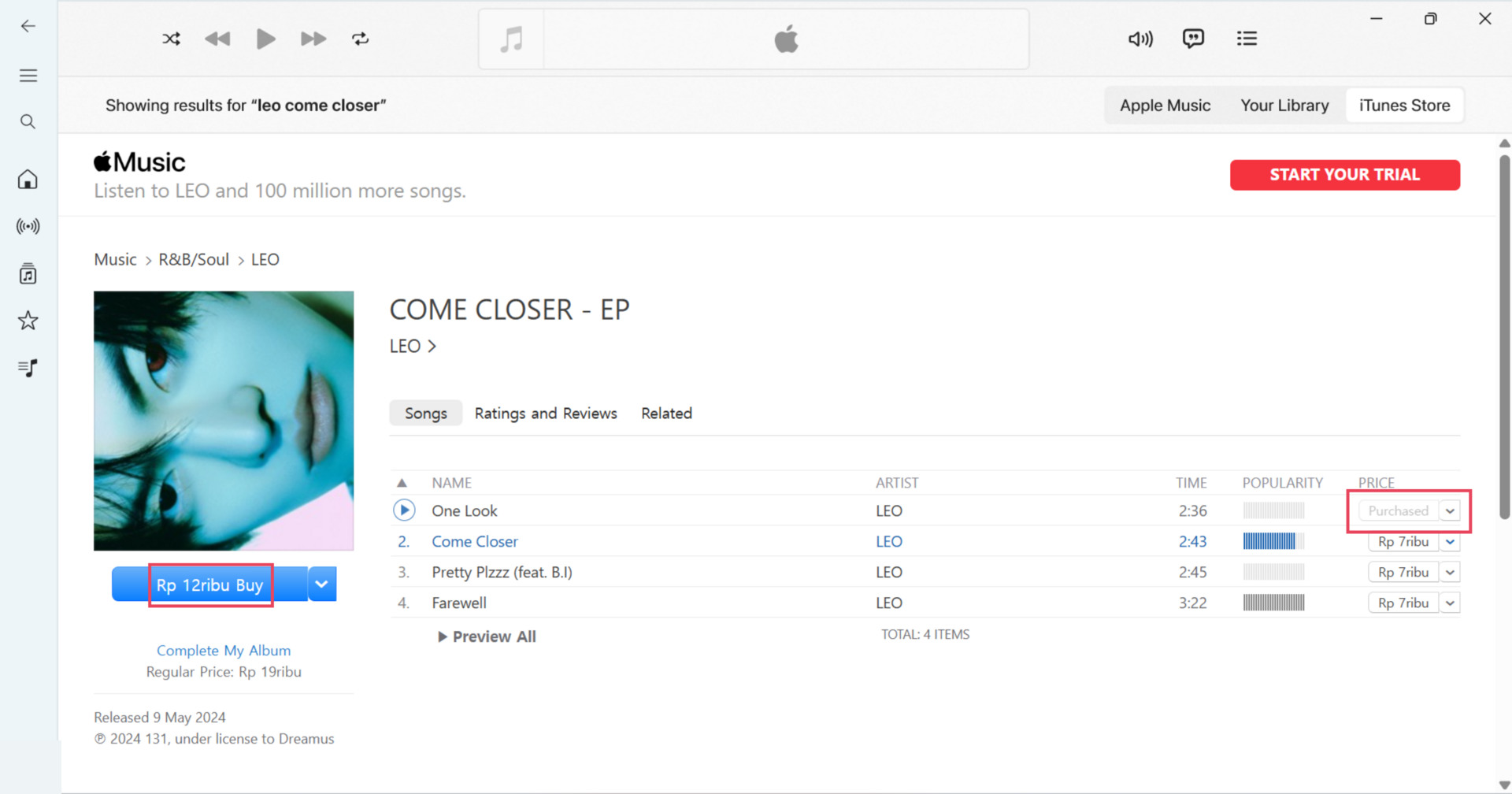
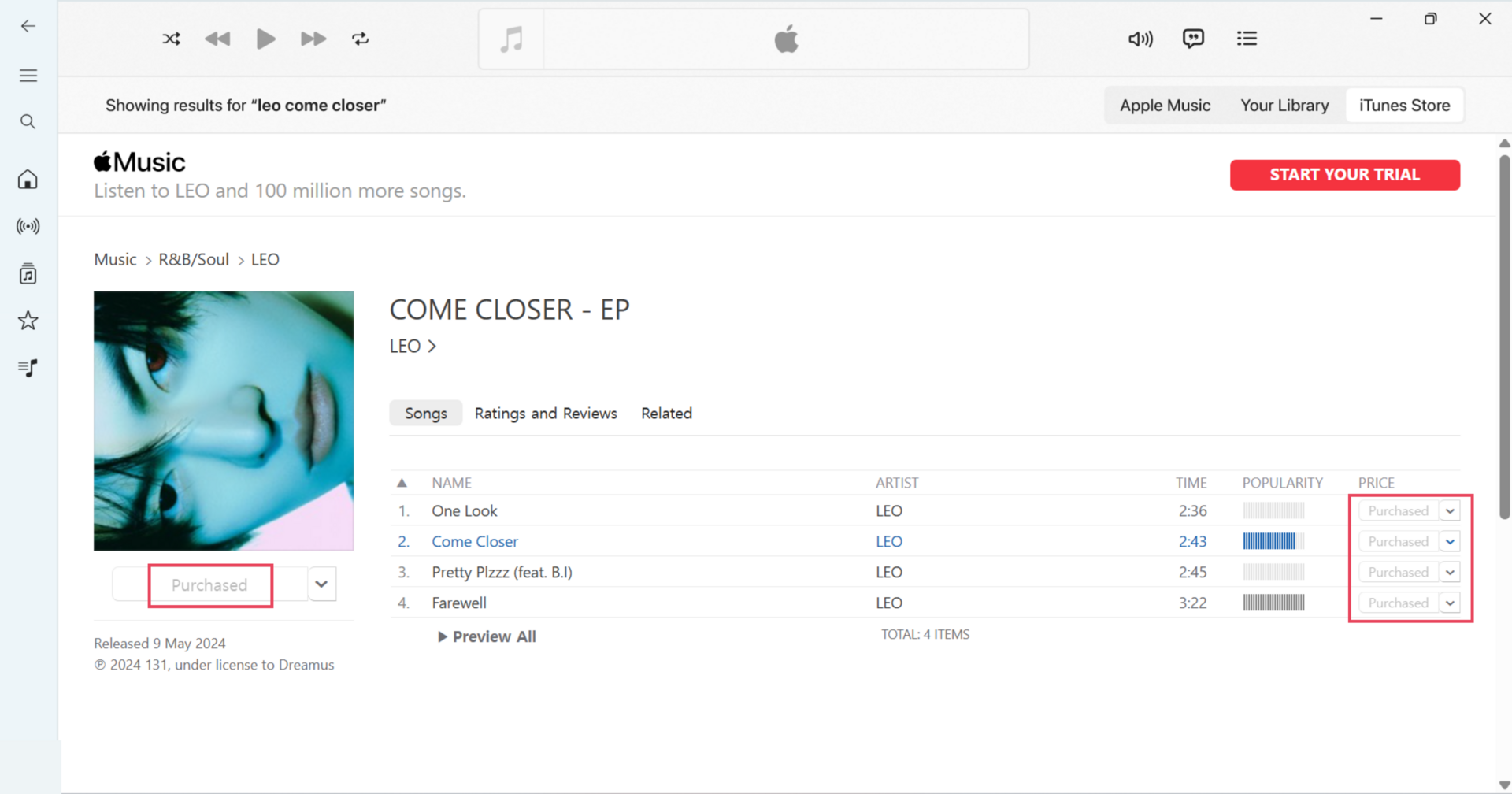
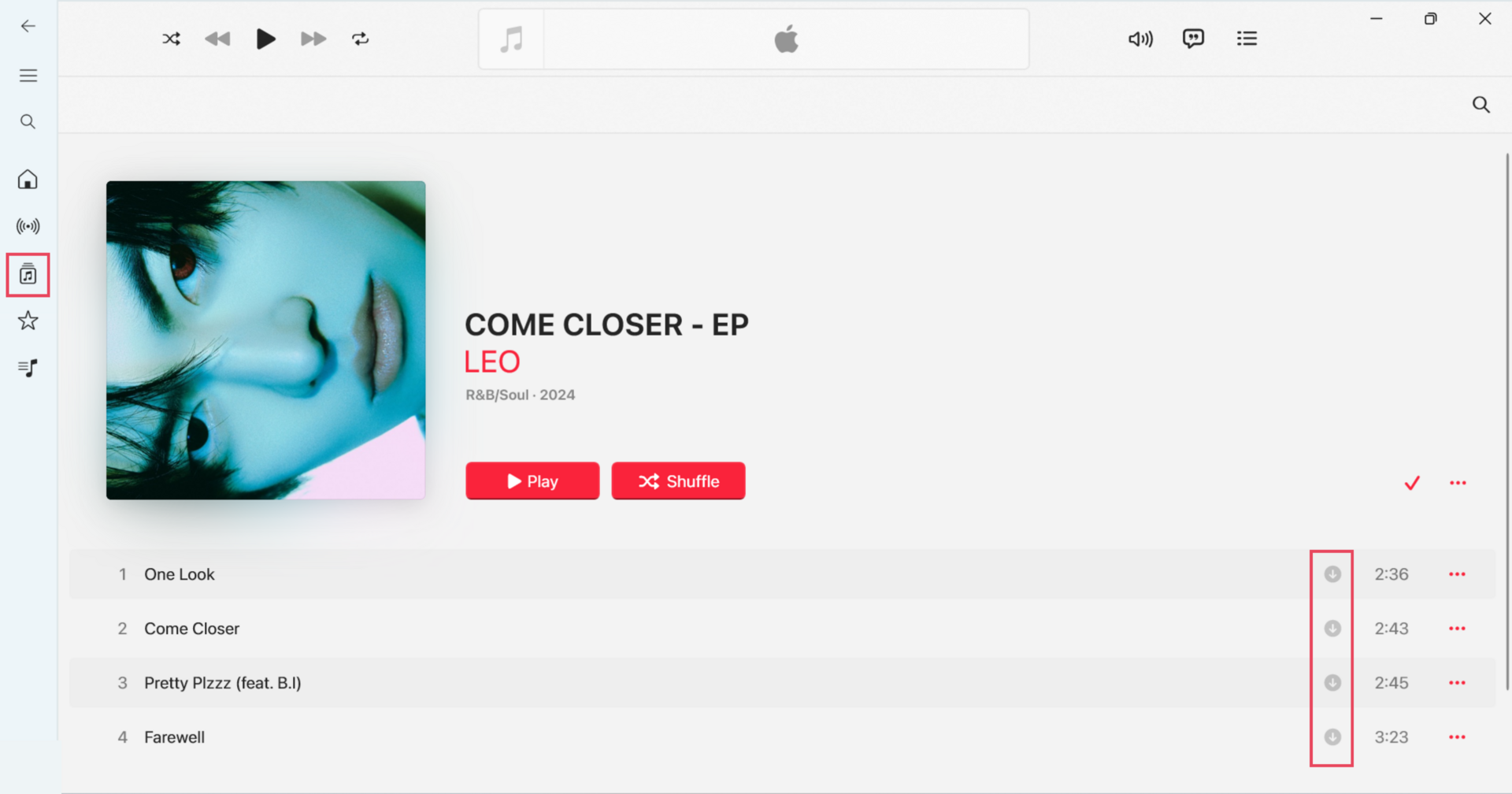
After purchase, the track is automatically downloaded to your library and cannot be purchased again on the same account. To purchase the same track again, you must use a different Apple Account.
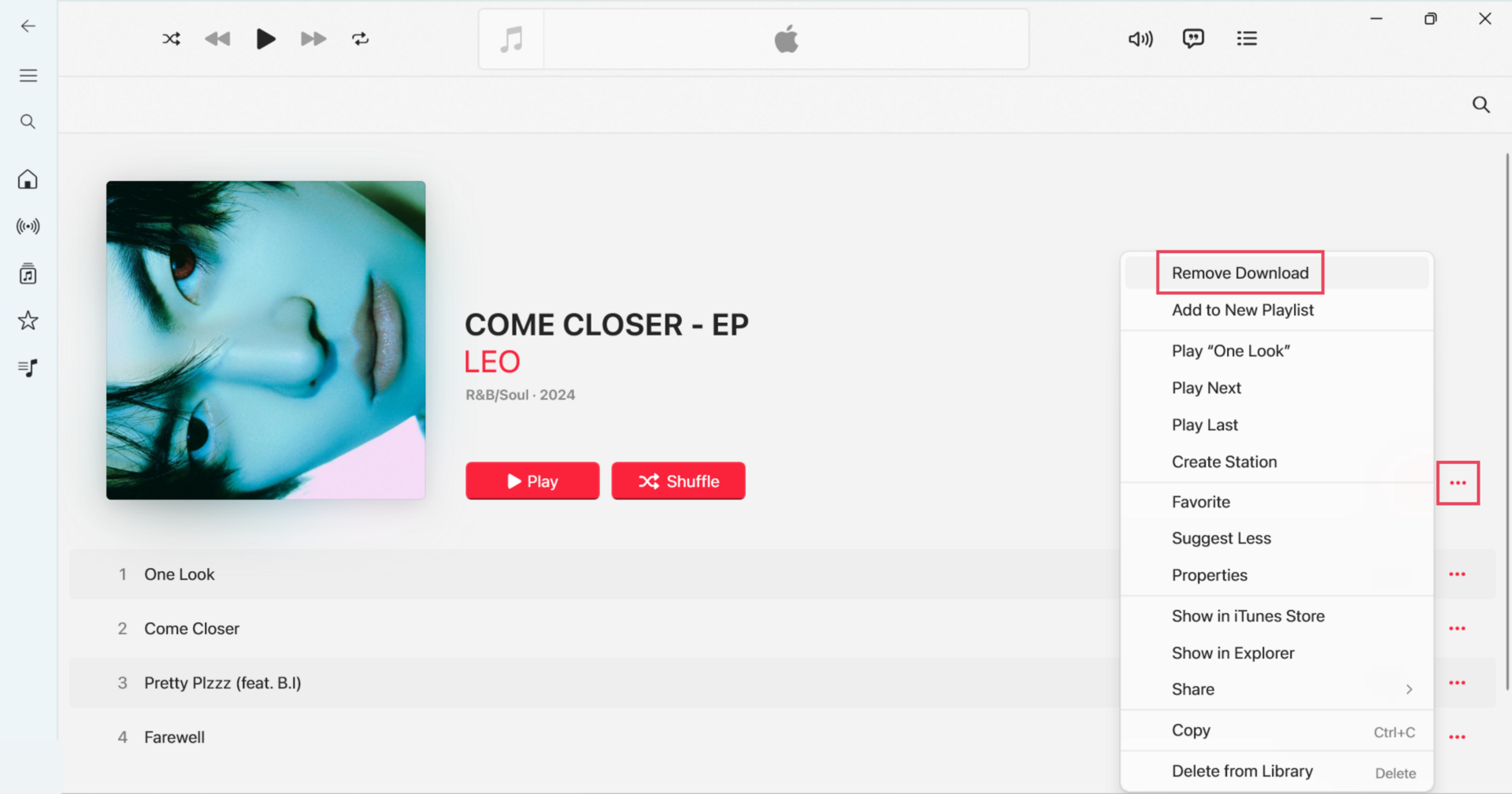
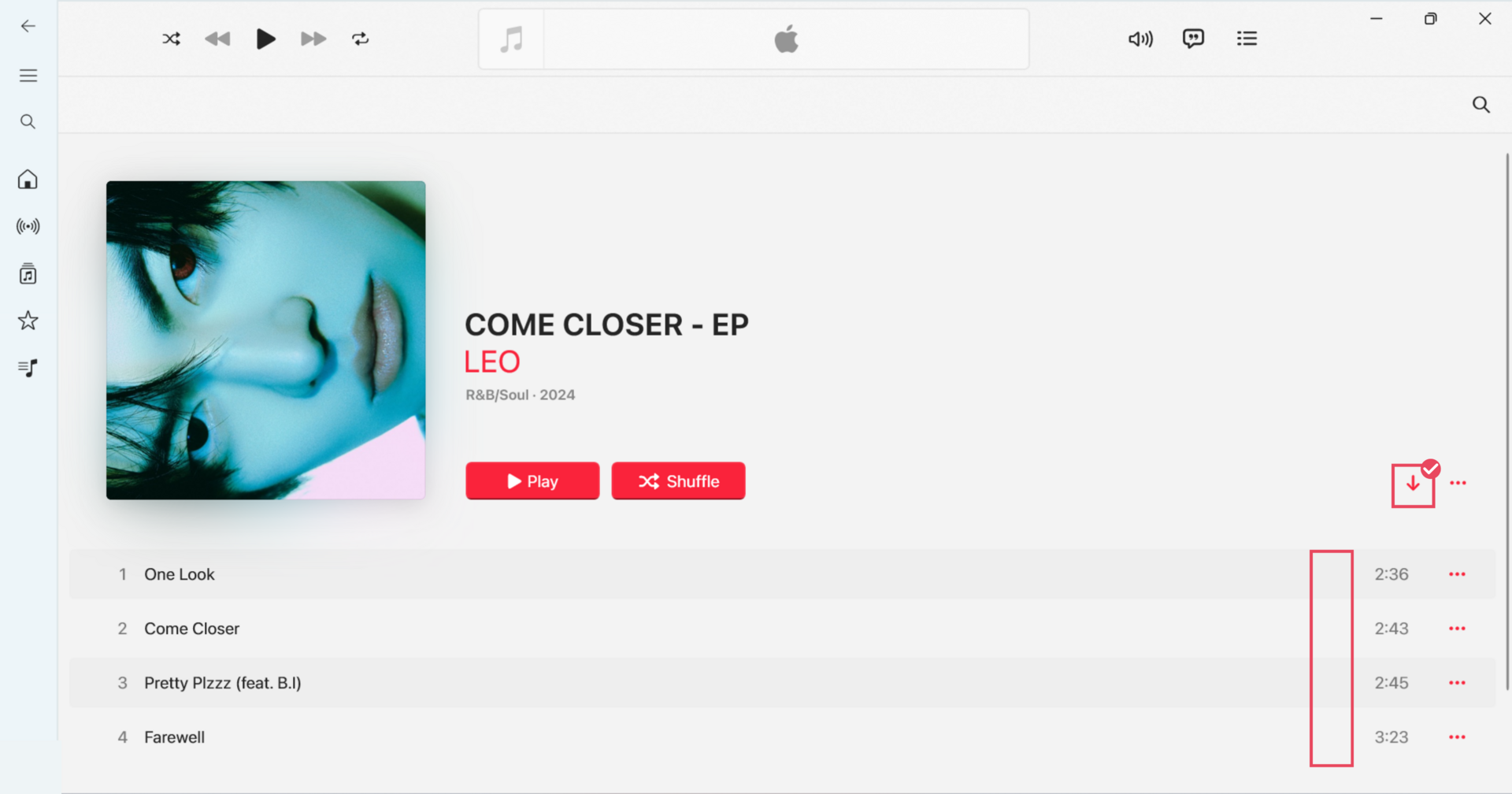
Downloading a purchase again does not create another purchase or contribute an additional sale to iTunes charts.
An individual track purchase counts as one track sale for the iTunes Top Songs chart. An album purchase counts as one album sale for the iTunes Top Albums chart.
Your purchase will be downloaded automatically.