Free and Paid streams both count
You can stream with Spotify Free on mobile. Follow the complete guide below before you begin.
Spotify Charts (Global and Country: Daily, Weekly, and Viral; Global Music Video Chart)
Global charts (Billboard Global 200 and Billboard Global Excl. U.S.)
National charts (Billboard U.S., Billboard Japan, Billboard Korea, Oricon Japan, ARIA, UK Official Charts, and many European charts)
Circle Charts (Digital, Streaming, and Global K-pop)
Music show digital scores through Circle Chart performance (indirectly)
You can stream with Spotify Free on mobile. Follow the complete guide below before you begin.
Don't depend on a single streaming account. Even if you have a Premium account running on Stationhead, create and use additional Free accounts as part of your regular streaming routine.
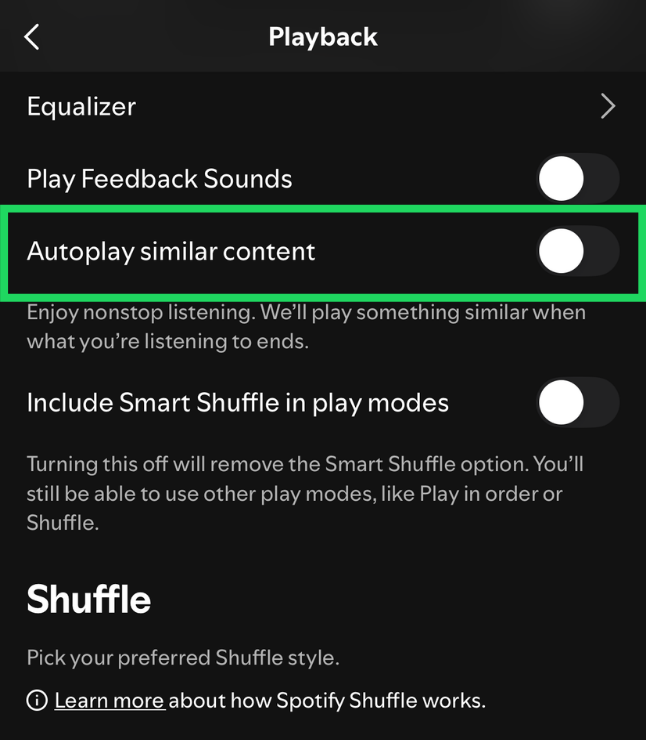
Turn off Autoplay so the music stops when the playlist finishes. This gives you more control and prevents other songs from affecting your algorithm and Spotify Wrapped.
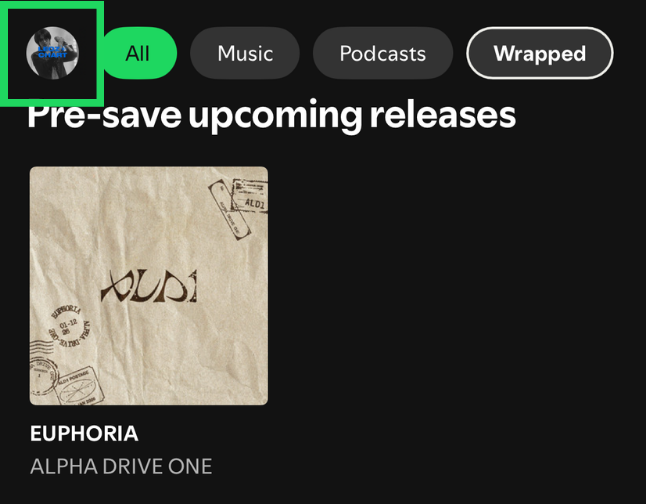
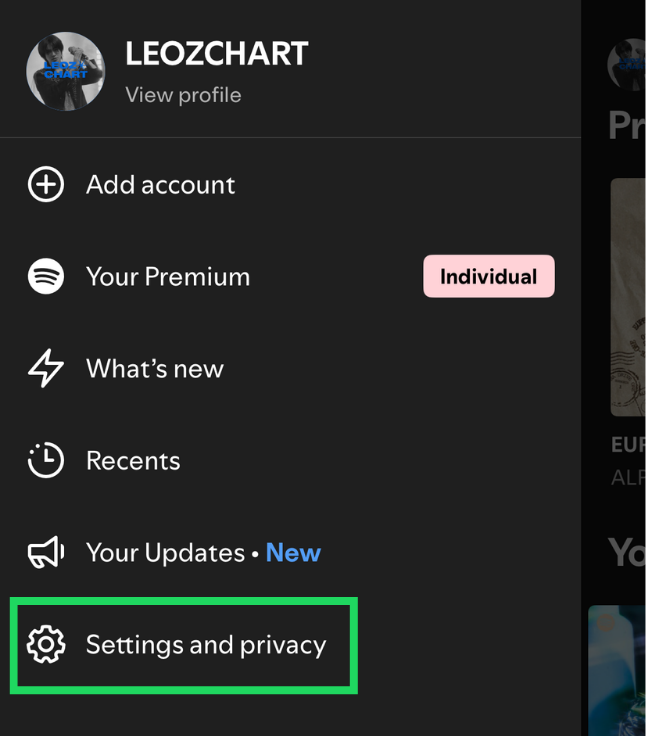
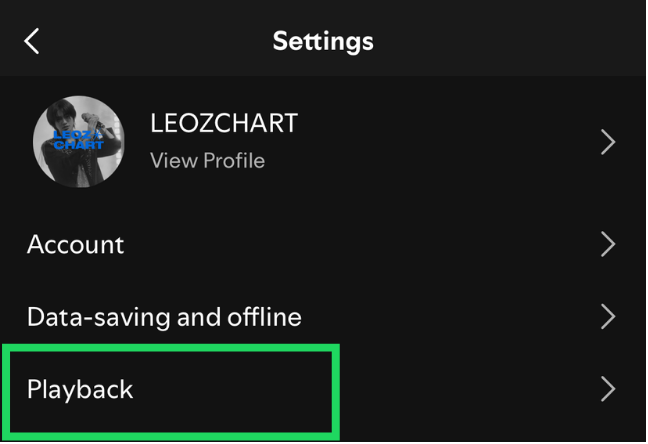
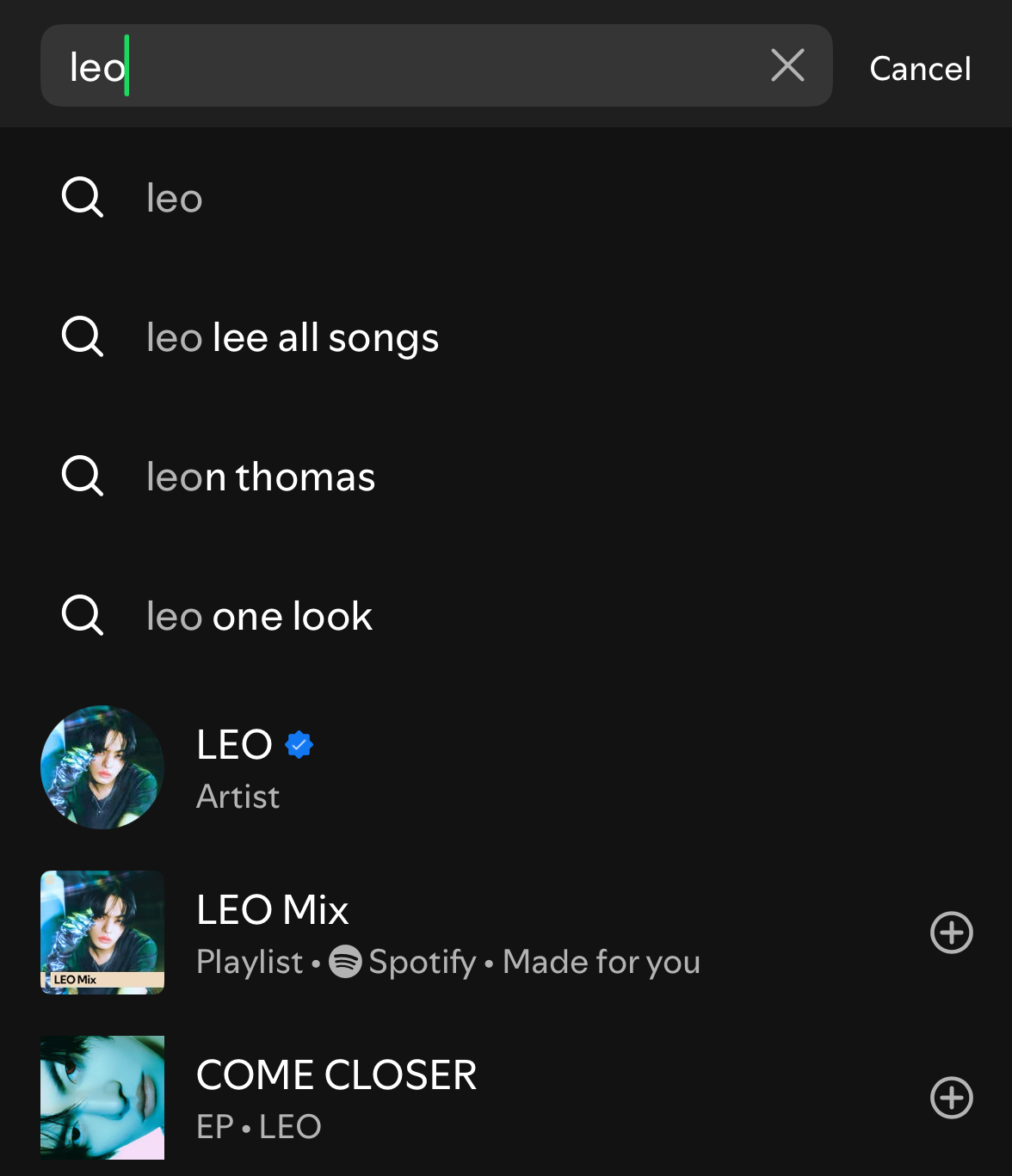
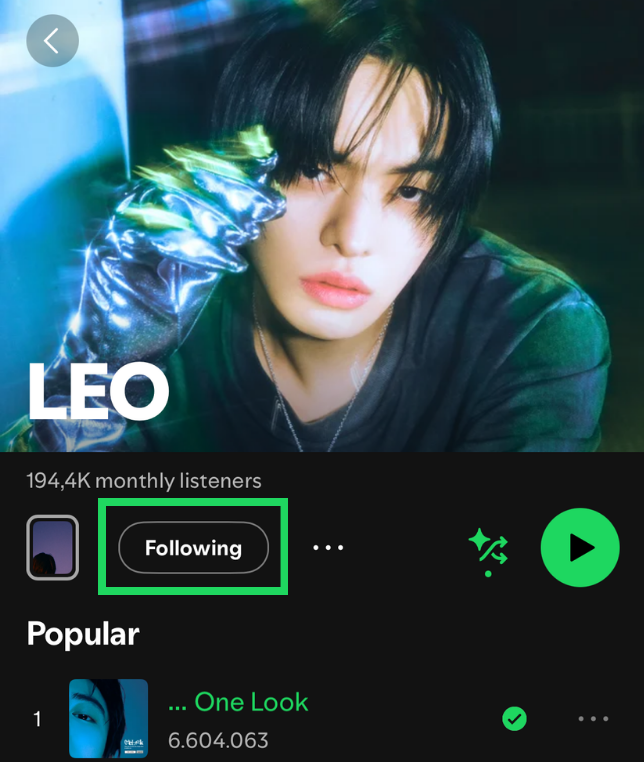
Sharing his artist profile is one way to help promote him.
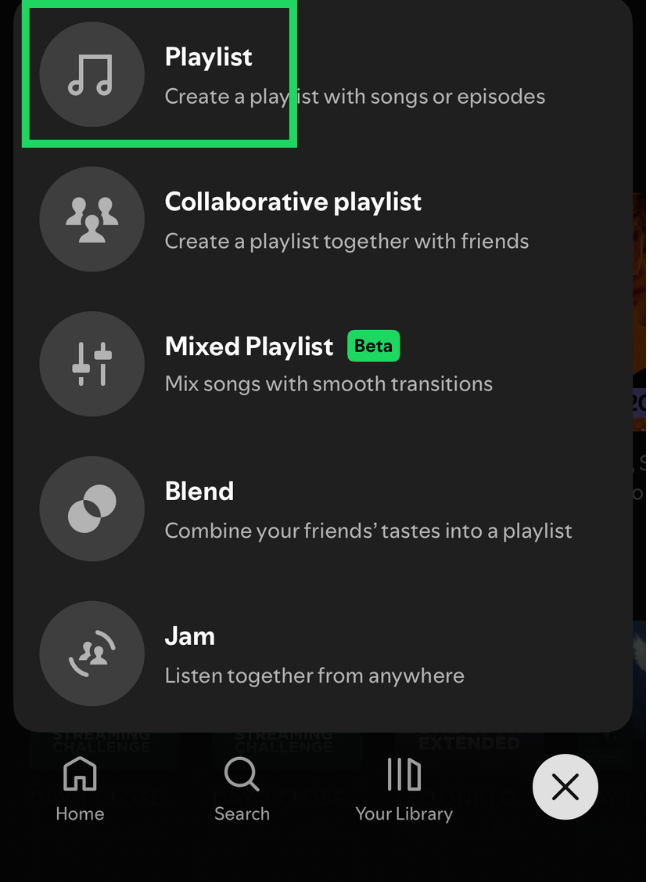
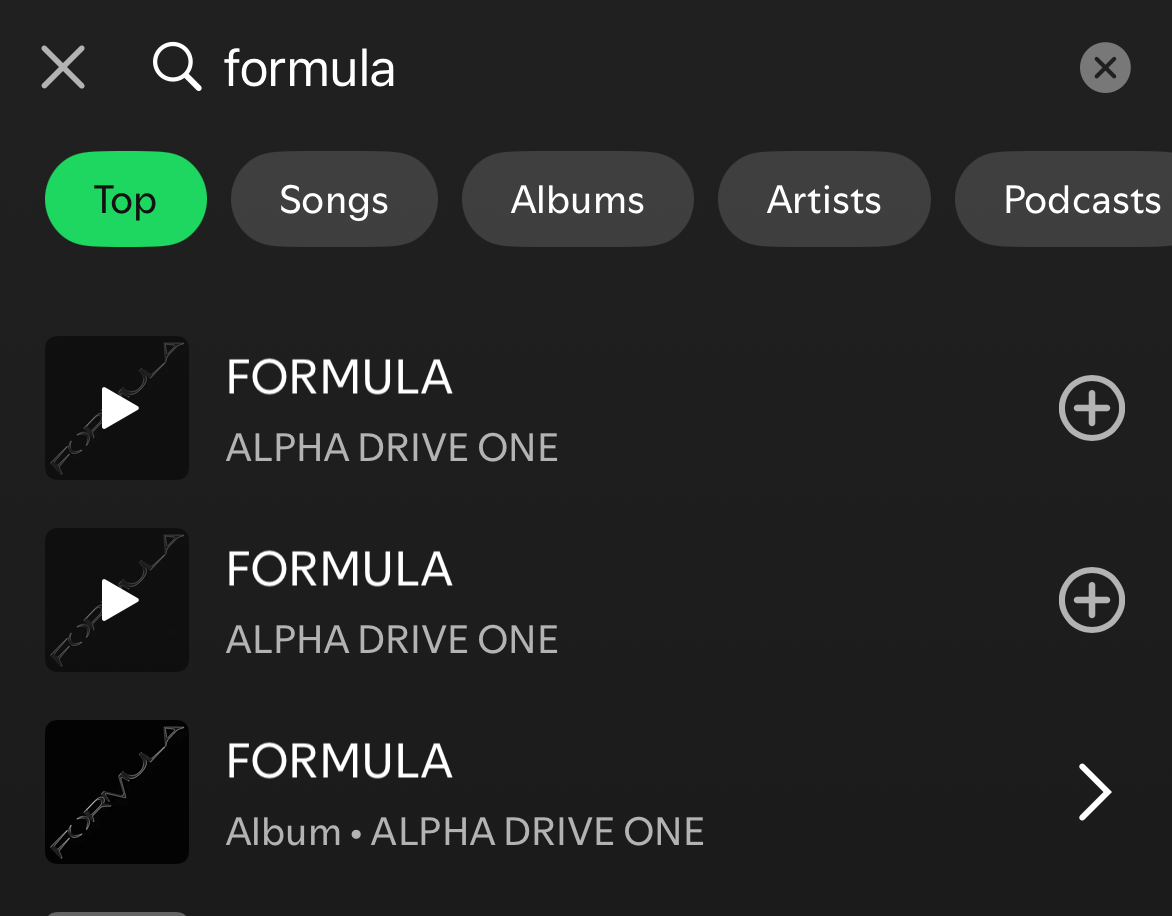
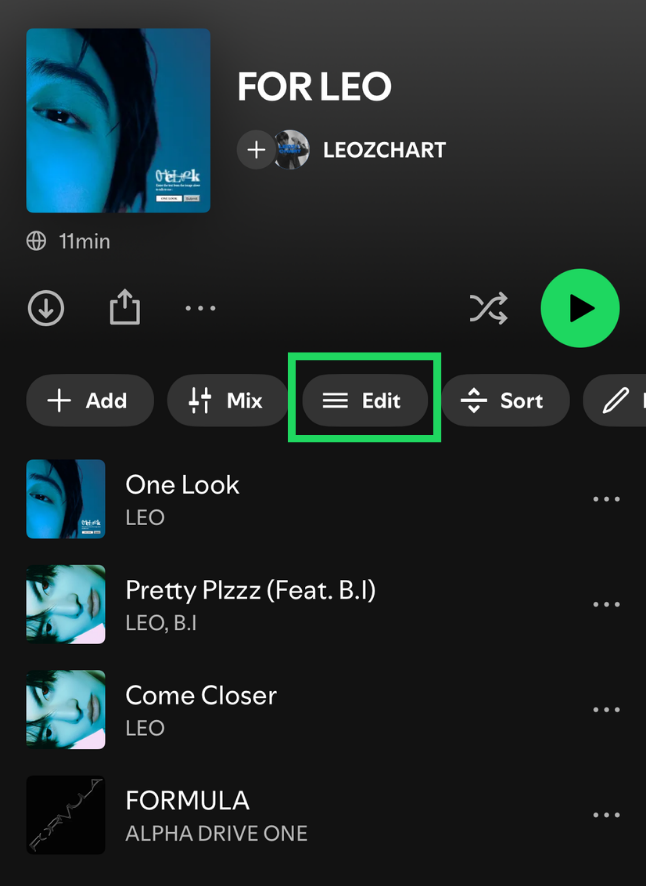
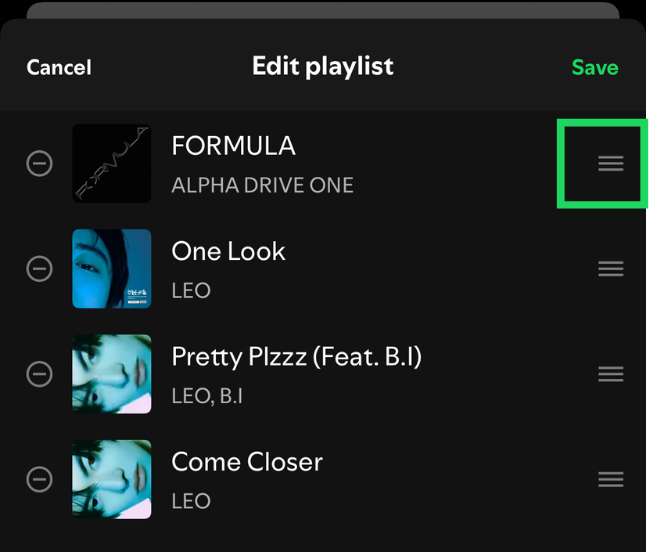
Mobile noteYou cannot add duplicate songs through the mobile app. If you do not have a computer, copy an existing playlist that you want to use.
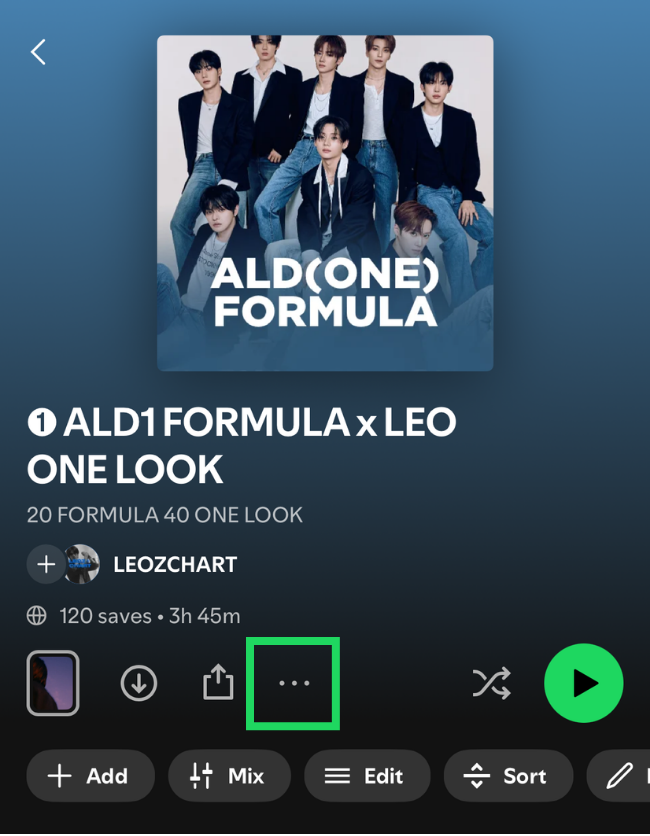
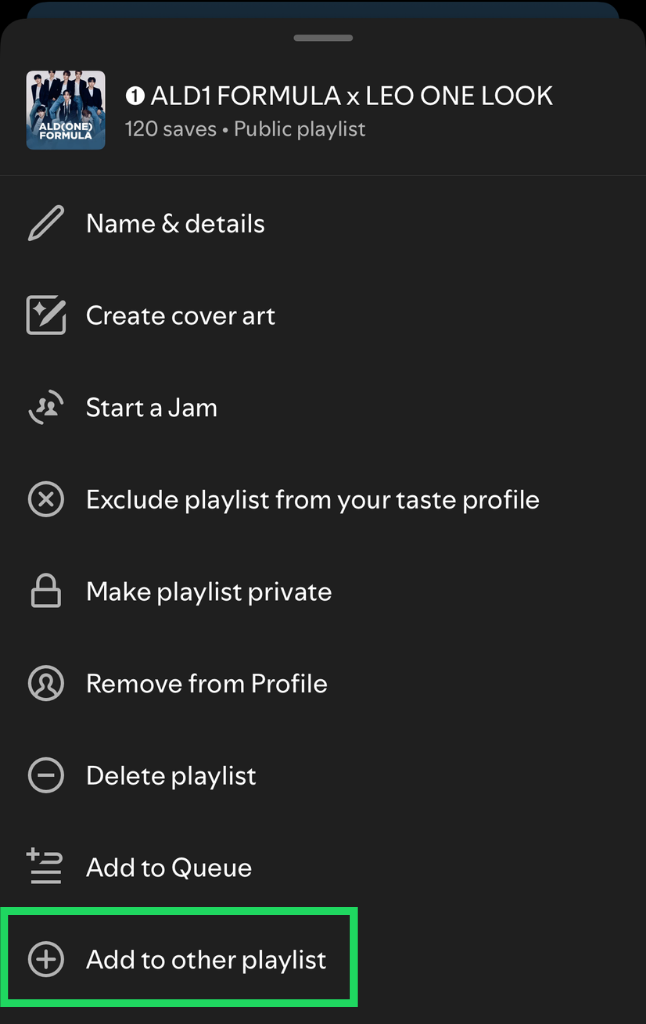
Include “LEO” and the main-song title in the playlist name when making a focused-song playlist so it can appear in search results.
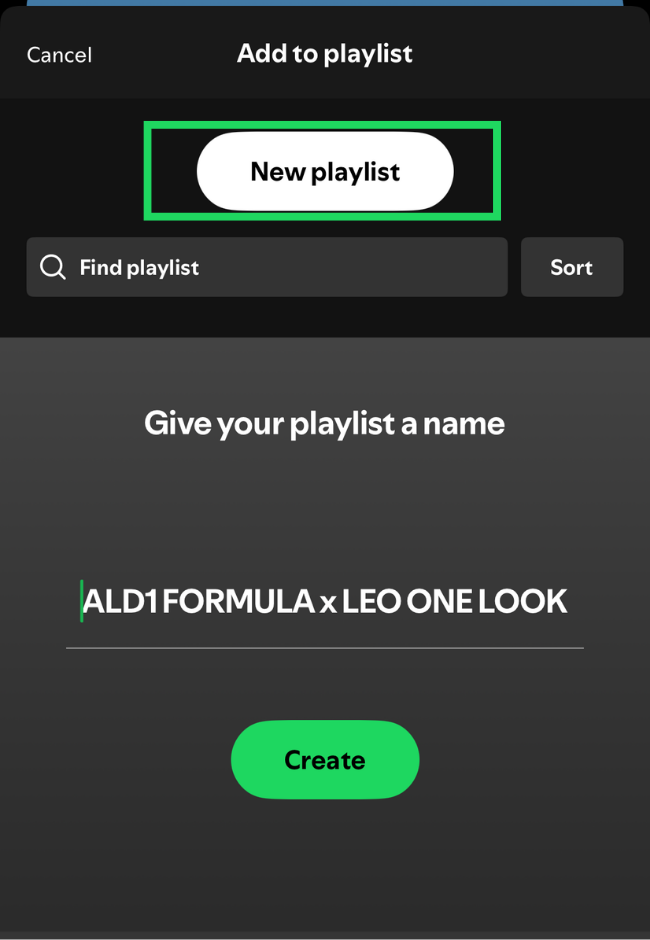
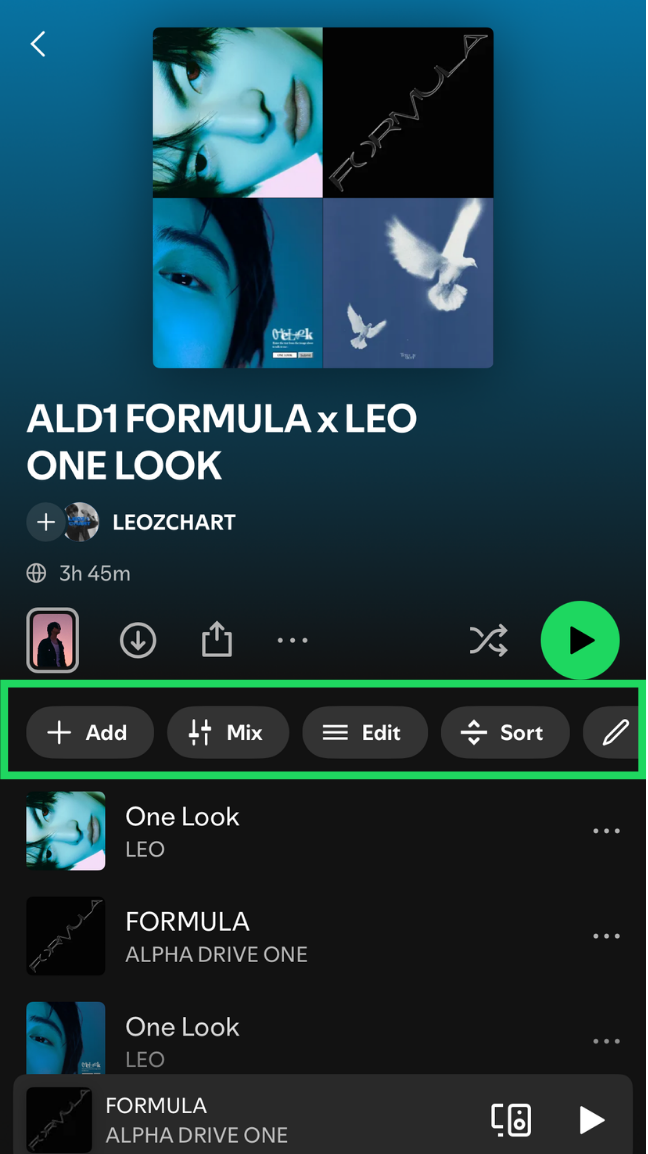
Modify the playlist as you like—add, remove, or reorder songs to match your preferences.
Spotify looks at how listeners interact with a song, not just how many times it is played. Streaming from different entry points shows broader, more organic engagement. Each method can influence different areas, from playlisting algorithms to the artist’s visibility and discovery within Spotify.
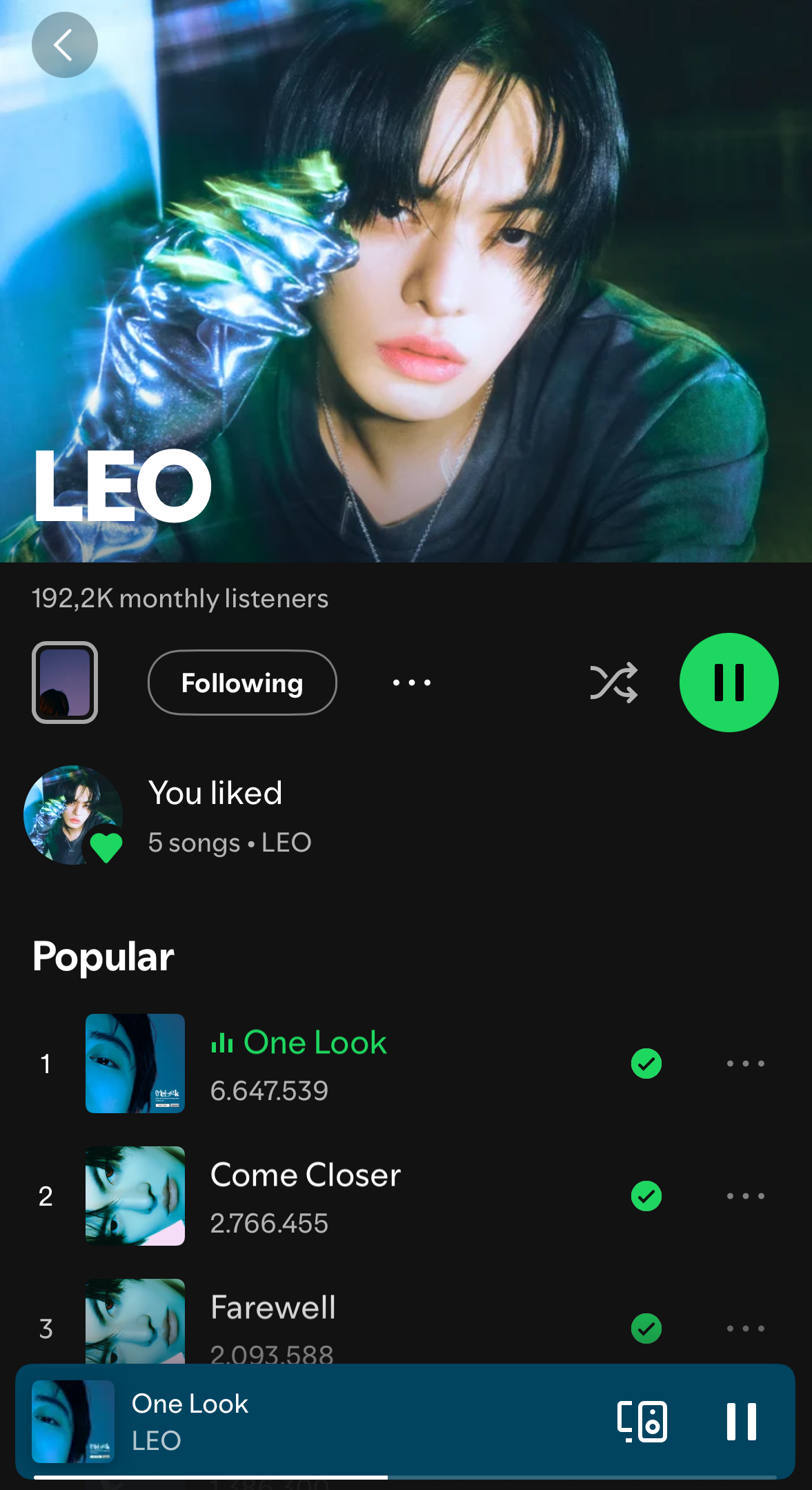
Play all of his songs directly.
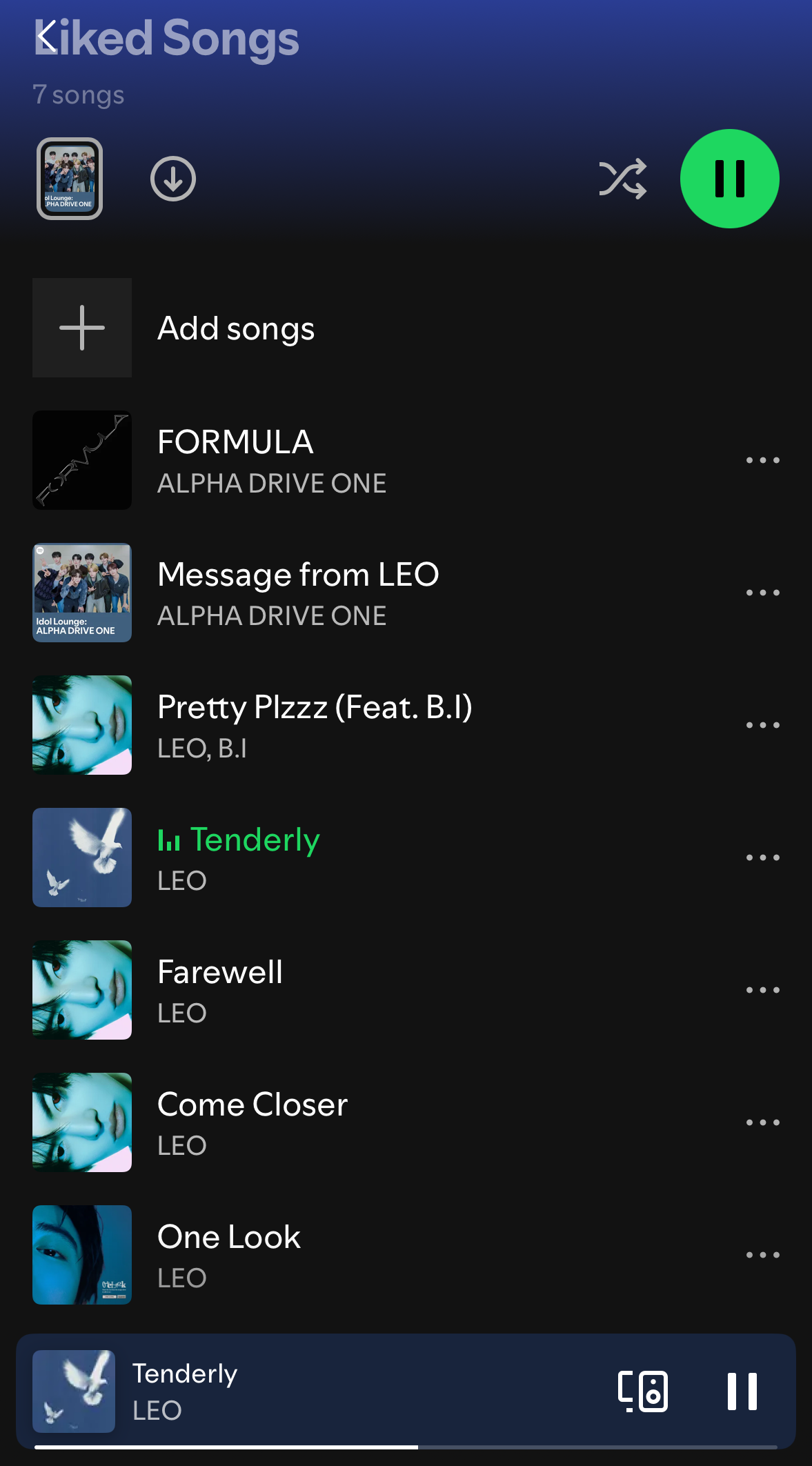
Make sure each playlist is thoughtfully curated with the songs you want to focus on. Create or find multiple playlists and alternate between them instead of playing the same playlist every time.
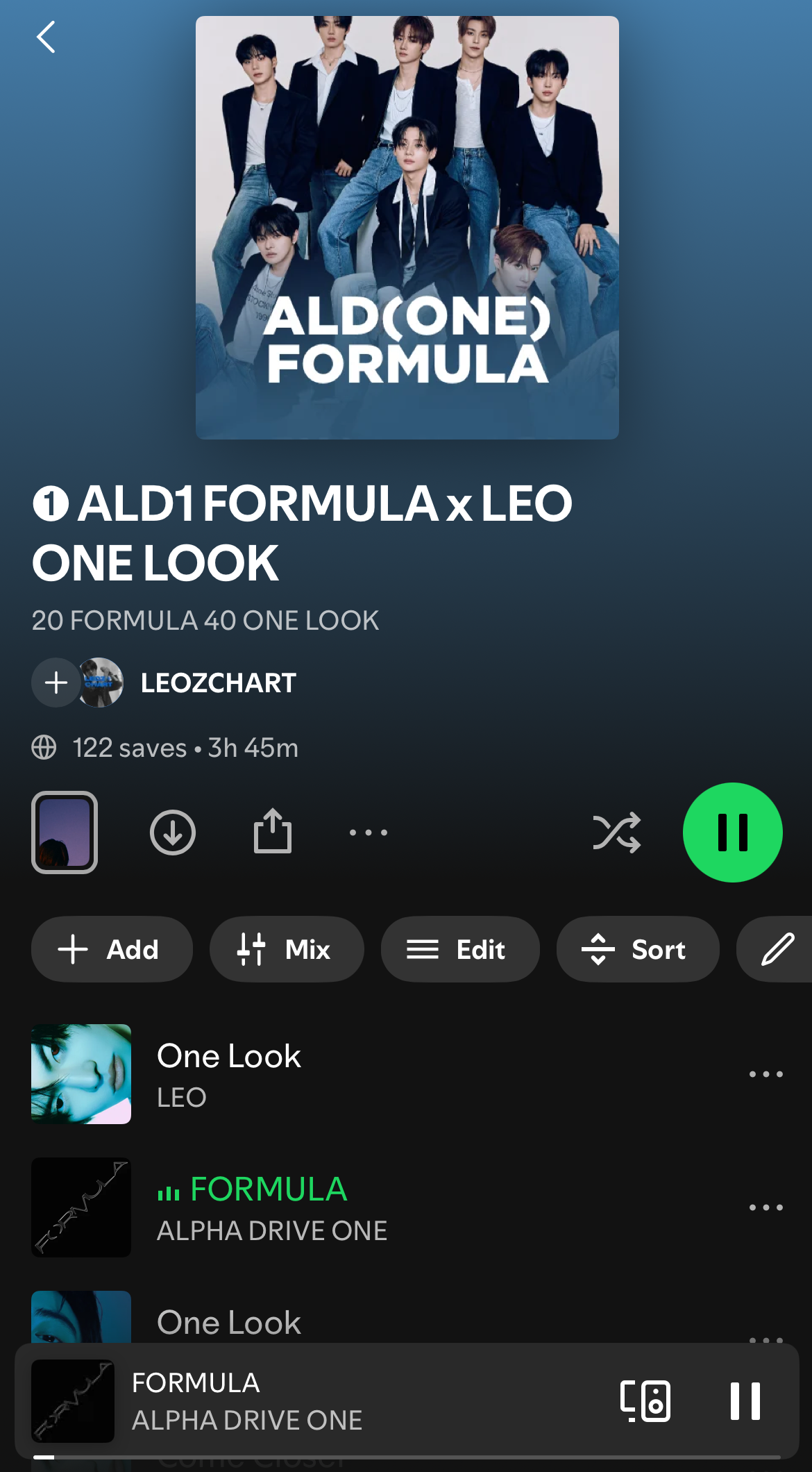
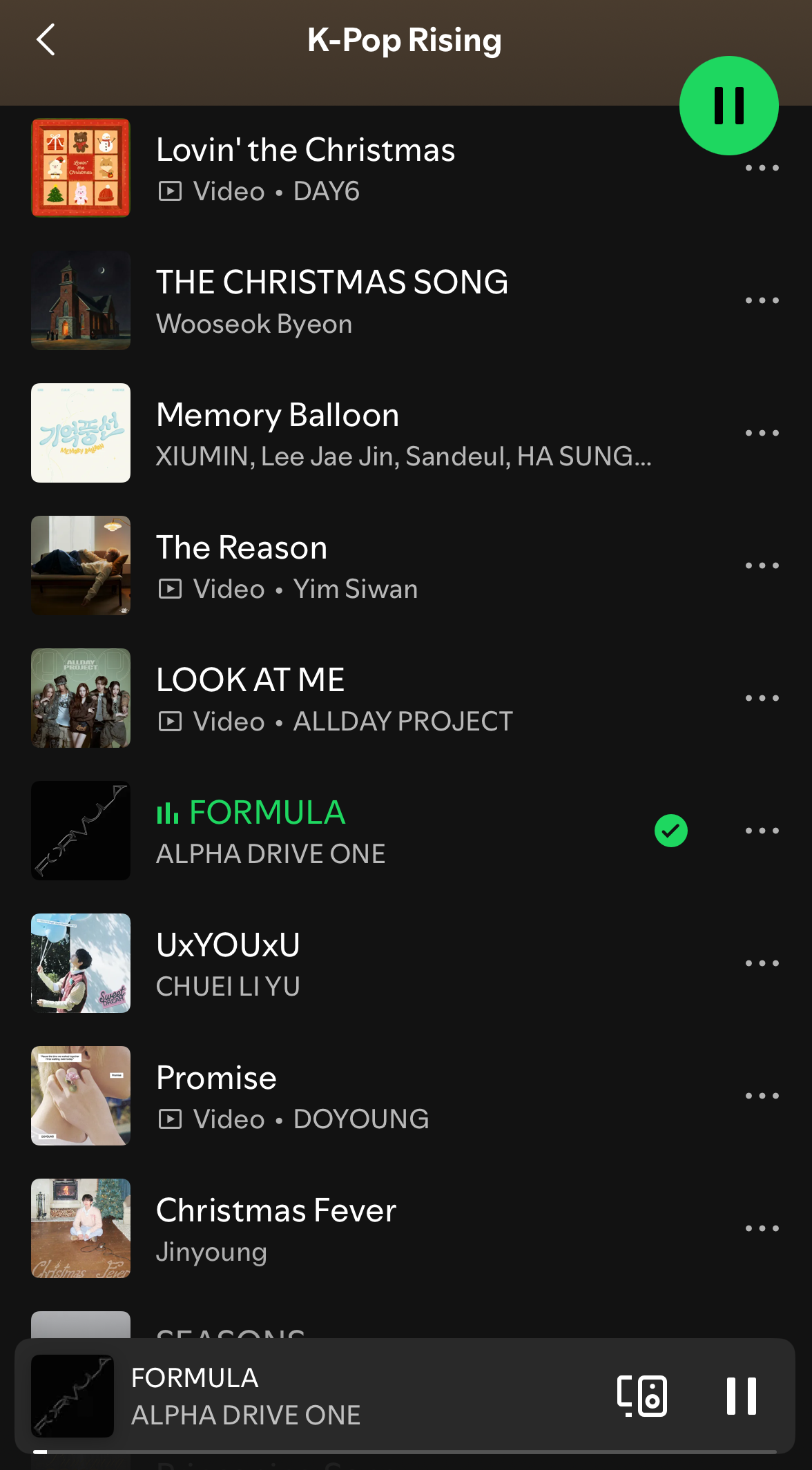
These settings apply only to the Spotify Premium mobile app. The free mobile app only offers streaming with Smart Shuffle. Mobile users can stream through a mobile browser instead. The complete guide will be explained in the next section.
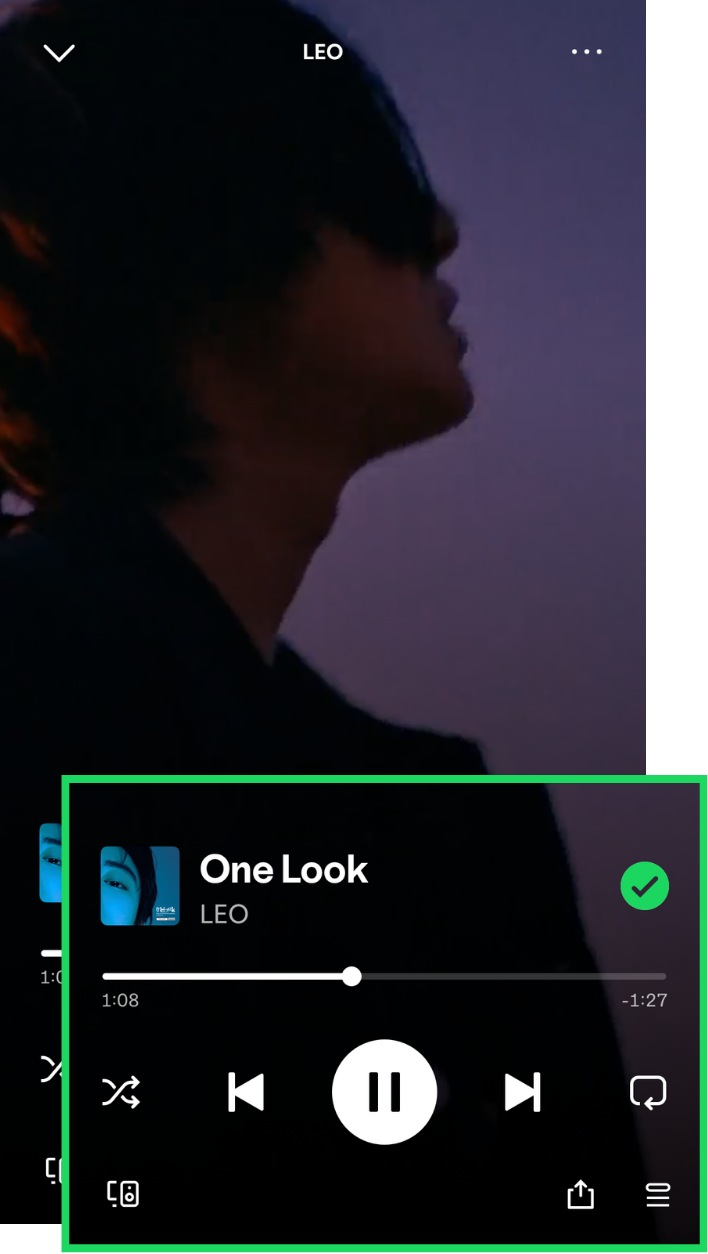
01Play the song
02Share the song directly from Spotify to your social media or messaging app
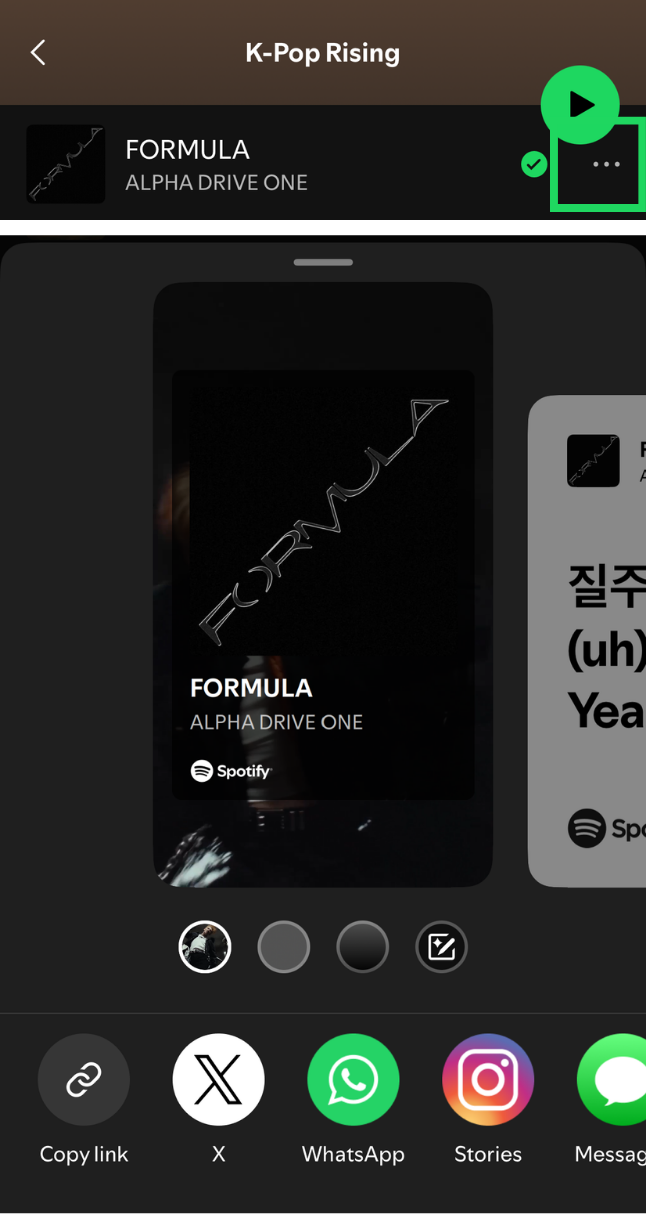
03Include the artist and song name when posting on social media
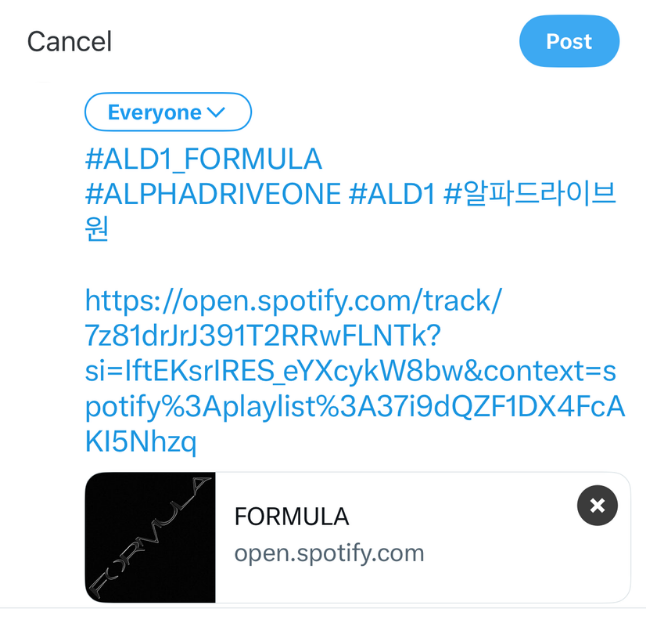
04When you find a shared link on social media, open it and play the song
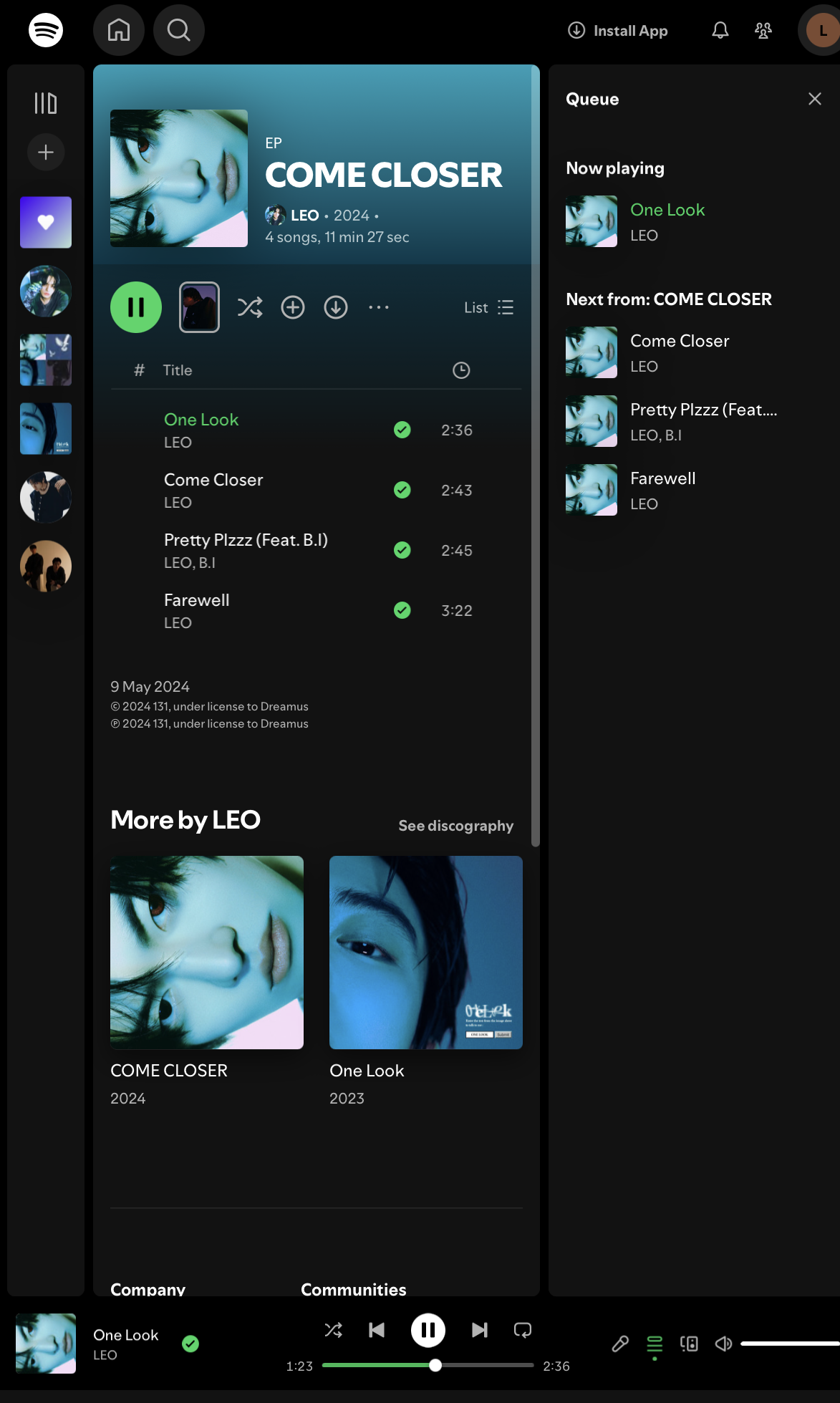
Spotify Free users on the desktop app and web player can choose specific songs and play playlists in order instead of using Smart Shuffle by default. The main difference is that Spotify Free includes ads.
Before you startDelete the Spotify mobile app to avoid being redirected to it.
01Open the Spotify web player in any browser on your mobile device.
02Change the browser setting to Desktop Website.
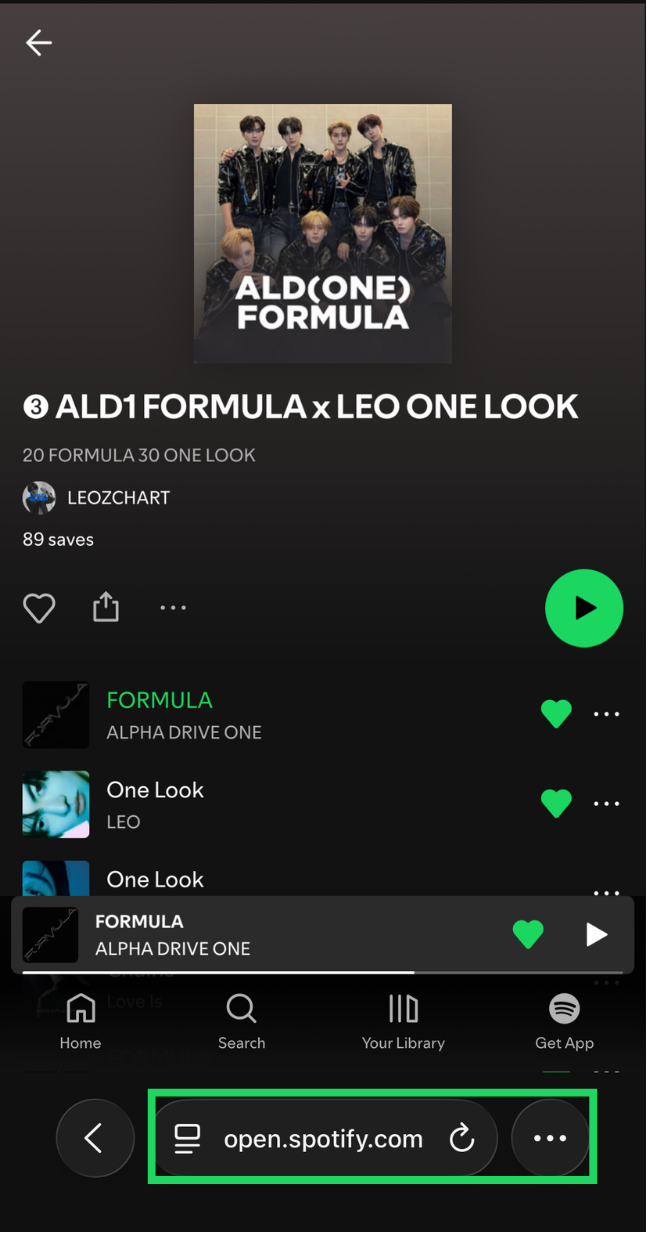
03Stream from playlists.You can see the queue in the same order as the playlist.
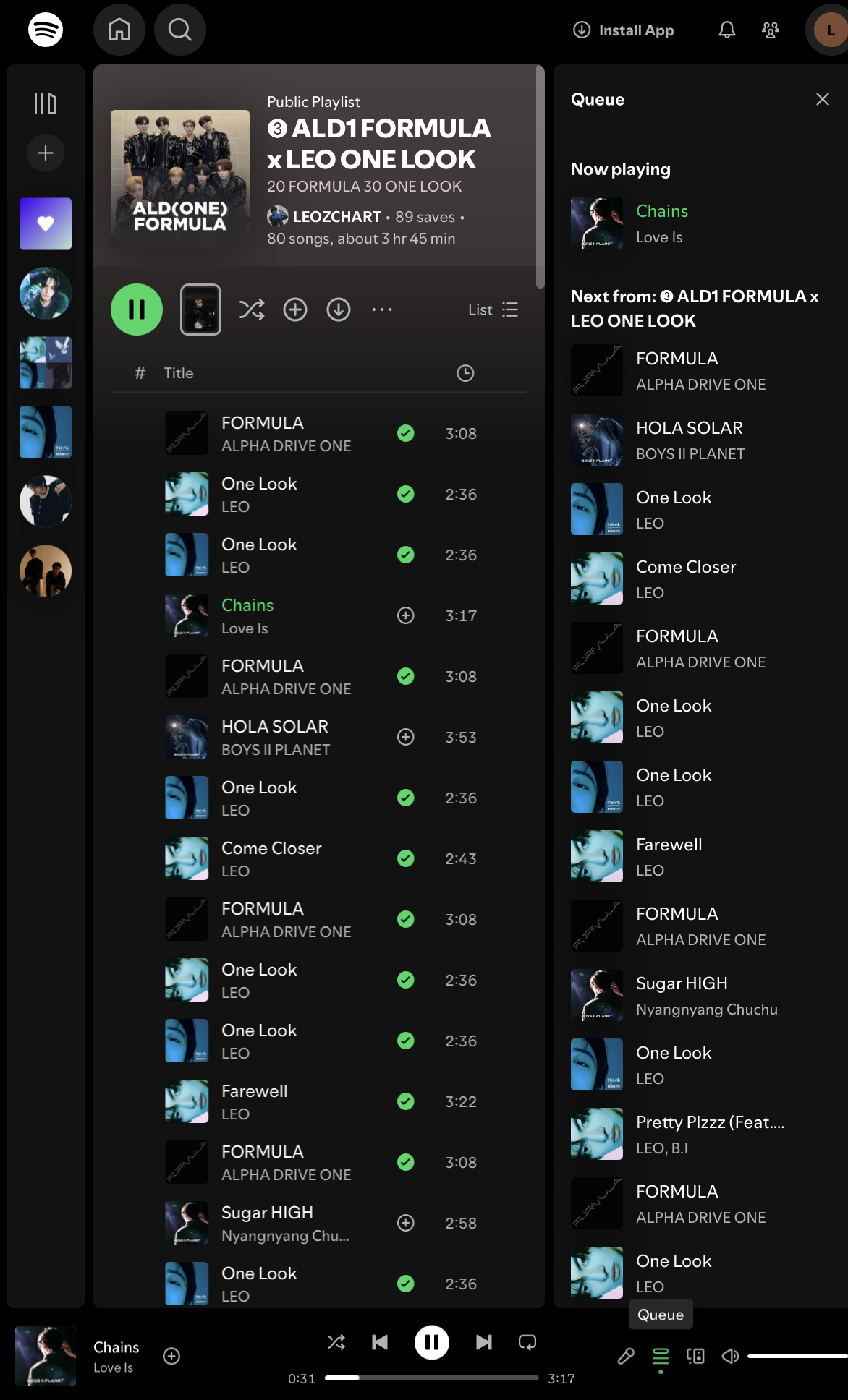
04Stream from various entry points and complete the other Spotify engagement actions explained in the previous sections.